1
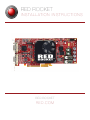
R E D R O C K E T I N S TA L L AT I O N I N S T R U C T I O N S
04
SET UP RED ROCKET
IN REDCINE-X PRO
SET UP DECODING AND ERROR MESSAGE PREFERENCES
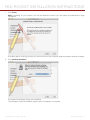
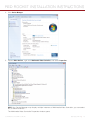
1. Open REDCINE-X PRO ® .
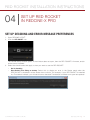
2. Click the RED ROCKET icon.
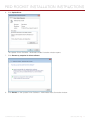
The Rocket Setup window opens. If the window does not open, then the RED ROCKET ® firmware, and/or
driver are not installed.
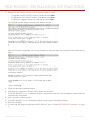
3. Select the check boxes that apply to how you want to use the RED ROCKET:
‒ ‒ Use for decoding
‒ ‒ Show Rocket Error dialog on startup: Select this to display an error in the Status panel when the
RED ROCKET is installed in a lane slower than a x8 slot. For example, if your RED ROCKET is installed
in a Thunderbolt chassis, you will see this error because Thunderbolt is limited to x4 open lane speeds.
COPYRIGHT © 2015 RED.COM, INC 955-0035, REV-D |
24