1
4.3.2.
Windows XP
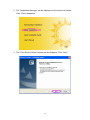
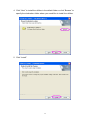
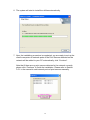
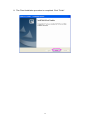
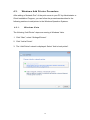
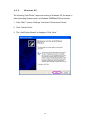
The following “Add Printer” steps are running in Windows XP, the steps in
other Operating Systems such as Windows 98SE/Me/2000 are similar.
1. Click “Start”, choose “Settings” and select “Printers and Faxes”.
2. Click “Add a Printer”.
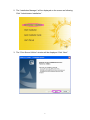
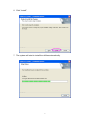
3. The “Add Printer Wizard” is displayed. Click “Next”.
20