1
MONITORING WINDOWS SERVERS
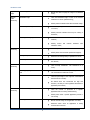
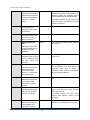
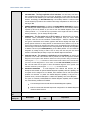
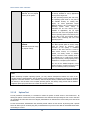
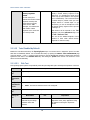
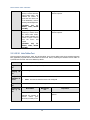
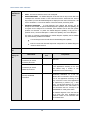
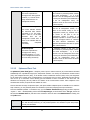
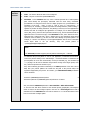
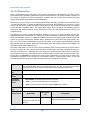
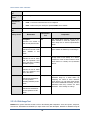
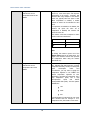
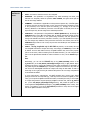
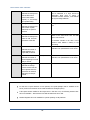
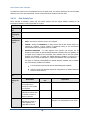
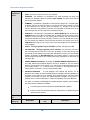
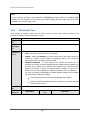
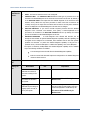
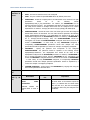
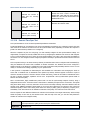
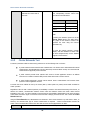
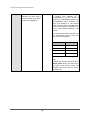
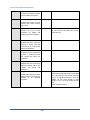
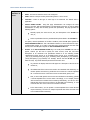
Similarly, the none (following all in our example) is indicative of the fact that
none of the event IDs need to be excluded from monitoring. On the other hand,
if you want to instruct the eG Enterprise system to ignore a few event IDs during
monitoring, then provide the IDs as a comma-separated list. Likewise, specifying
all makes sure that all the event IDs are excluded from monitoring.
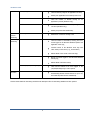
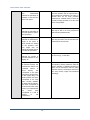
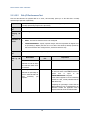
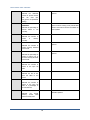
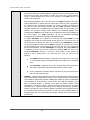
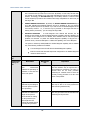
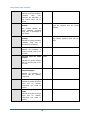
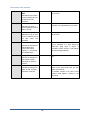
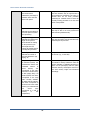
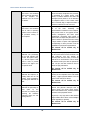
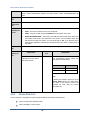
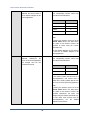
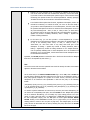
The all which follows implies that all events, regardless of description, need to be
included for monitoring. To exclude all events, use none. On the other hand, if
you provide a comma-separated list of event descriptions, then the events with
the specified descriptions will alone be monitored. Event descriptions can be of
any of the following forms - desc*, or desc, or *desc*,or desc*, or desc1*desc2,
etc. desc here refers to any string that forms part of the description. A leading '*'
signifies any number of leading characters, while a trailing '*' signifies any
number of trailing characters.
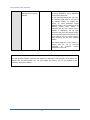
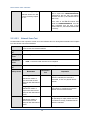
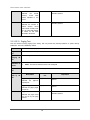
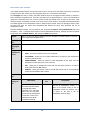
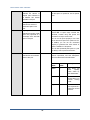
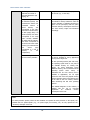
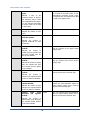
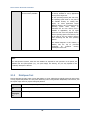
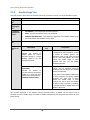
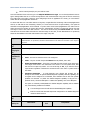
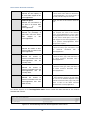
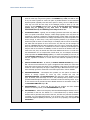
In the same way, you can also provide a comma-separated list of event
descriptions to be excluded from monitoring. Here again, the specification can be
of any of the following forms: desc*, or desc, or *desc*,or desc*, or
desc1*desc2, etc. desc here refers to any string that forms part of the
description. A leading '*' signifies any number of leading characters, while a
trailing '*' signifies any number of trailing characters. In our example however,
none is specified, indicating that no event descriptions are to be excluded from
monitoring. If you use all instead, it would mean that all event descriptions are to
be excluded from monitoring.
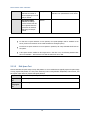
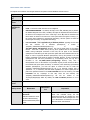
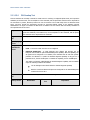
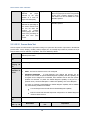
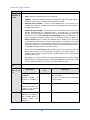
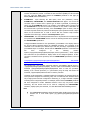
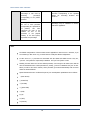
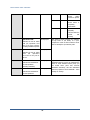
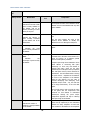
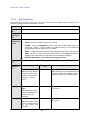
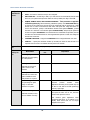
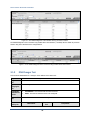
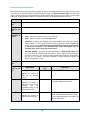
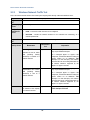
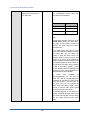
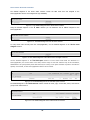
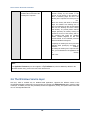
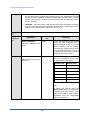
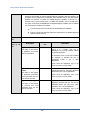
By default, the FILTER parameter contains the value: all:all:none:all:none:all:none. Multiple
filters are to be separated by semi-colons (;).
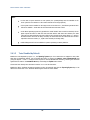
Note:
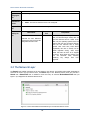
The event sources and event IDs specified here should be exactly the same as that which
appears in the Event Viewer window.
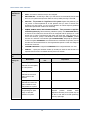
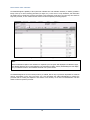
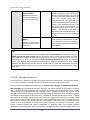
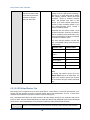
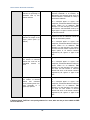
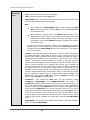
On the other hand, if the POLICY BASED FILTER flag is set to YES, then a FILTER list
box will appear, displaying the filter policies that pre-exist in the eG Enterprise system. A
filter policy typically comprises of a specific set of event sources, event IDs, and event
descriptions to be monitored. This specification is built into the policy in the following
format:
{Policyname}:{event_sources_to_be_included}:{event_sources_to_be_excluded}:{event_ID
s_to_be_included}:{event_IDs_to_be_excluded}:{event_descriptions_to_be_included}:{eve
nt_descriptions_to_be_excluded}
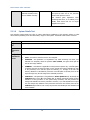
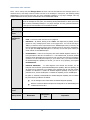
To monitor a specific combination of event sources, event IDs, and event descriptions, you
can choose the corresponding filter policy from the FILTER list box. Multiple filter policies
can be so selected. Alternatively, you can modify any of the existing policies to suit your
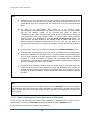
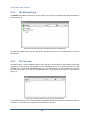
needs, or create a new filter policy. To facilitate this, a Click here link appears just above
the test configuration section, once the YES option is chosen against POLICY BASED
FILTER. Clicking on the Click here link leads you to a page where you can modify the
existing policies or create a new one (refer to page 220). The changed policy or the new
policy can then be associated with the test by selecting the policy name from the FILTER
list box in this page.
217