1
6.0
Design Interface Module
This module will help set up the screening and airport/runway setting for the surface
evaluation.
6.1
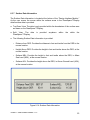
Database Screening Options
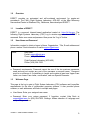
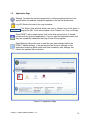
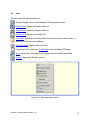
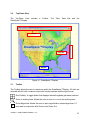
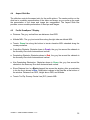
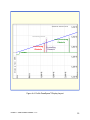
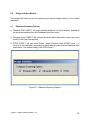
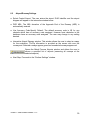
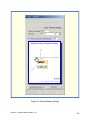
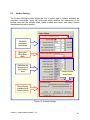
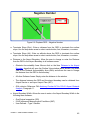
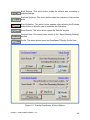
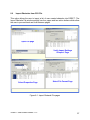
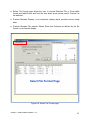
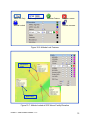
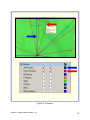
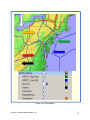
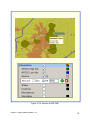
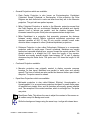
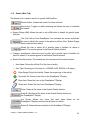
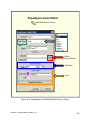
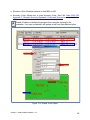
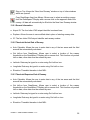
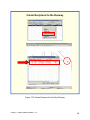
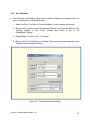
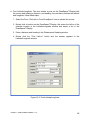
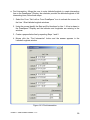
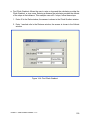
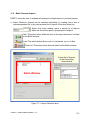
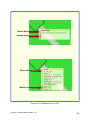
● Obstacle (DB): EOSE™ will use a national database for the evaluation, depending
on which was selected from the Database drop down menu.
● Obstacle (User): EOSE™ will evaluate obstacles which have been create, save, and
modify in the User Data window.
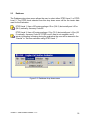
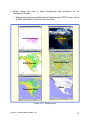
● DTED: EOSE™ will use either Digital Terrain Elevation Data (DTED) Level 1 or
Level 2 for an evaluation, depending on which was selected from the Database drop
down menu. The default setting is the DTED Level 1.
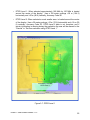
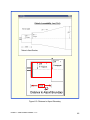
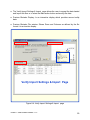
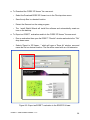
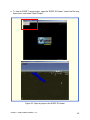
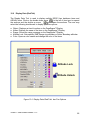
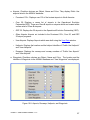
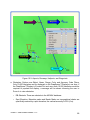
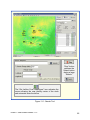
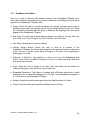
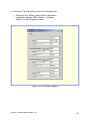
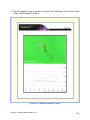
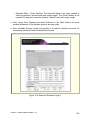
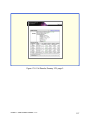
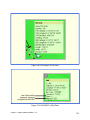
Figure 6-1: Database Screening Options
EOSE™ User Guide Version 1.13
38