1
3.16 Control of Pan/Tilt/Zoom
& Pan/Tilt/Zoom control
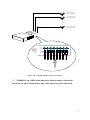
P/T/Z can be moved up/down or left/right under control. P/T/Z preset positions and initial
position can be setup.
Operation guide:
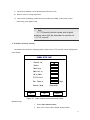
1. On channel configured with P/T/Z connected, press”P/T/Z”(on remote controller) or
“Enter” (on panel).
2.
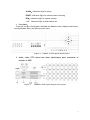
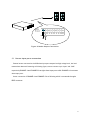
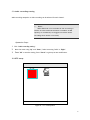
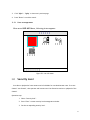
System enters P/T/Z control mode, with an icon ”
of
” displayed on left bottom corner
the channel.
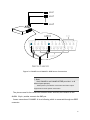
3. Press”up” and “down” to adjust P/T/Z vertical angle.
4. Press”left” and “right” to adjust P/T/Z horizontal angle.
5. Press ”recording” on panel or “Save” on remote controller to save current P/T/Z
position as preset position.
6. Press ”F” on panel or “setup” on remote controller to save current P/T/Z position as
initial position.
7. Press ”stop” on panel or “Return” on remote controller to turn P/T/Z back to initial
position.
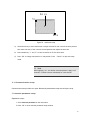
8. Re-press ”P/T/Z” or “Enter” to enter lens control mode. Please refer to the next section
for details.
& Lens control
Lens control includes zoom in/ zoom out, foculizing/dilating, preset positions setup, initial
position setup.
Operation step:
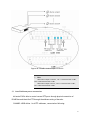
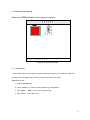
1.Press ”P/T/Z”(using remote controller) or “Enter”(using front panel) under P/T/Z control
mode.
70