1
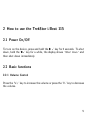
2 How to use the TrekStor i.Beat 115
2.2.2 Play / Pause / Stop
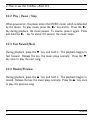
When powered on, the player enters the MUSIC mode, which is defaulted
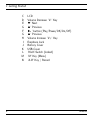
by the device. To play music, press the ’Iq’ key shortly. Press the ’Iq’
key during playback, the music pauses. To resume, press it again. Press
and hold the ’Iq’ key for about 0.5 second, the music stops.
2.2.3 Fast Forward/Next
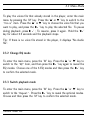
During playback, press the ’H’ key and hold it. The playback begins to
fast forward. Release the key, the music plays normally. Press the ’H’
key once to play the next song.
2.2.4 Rewind/Previous
During playback, press the ’N’ key and hold it. The playback begins to
rewind. Release the key, the music plays normally. Press the ’N’ key once
to play the previous song.
6
TrekStor