1
Operating the TD 200
3.6
Setting Time and Date in the CPU
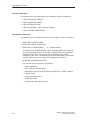
The Set Time and Date option is only available if you set the time-of-day (TOD)
menu enable in the TD 200 configuration and if you are using a CPU that supports
the TOD clock. If the configuration is not set to allow changes to the time, or if your
CPU does not support the TOD clock, you cannot modify the date or time of the
CPU.
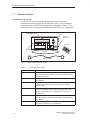
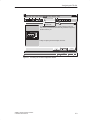
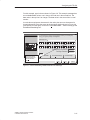
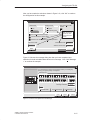
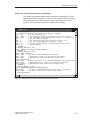
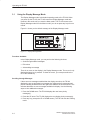
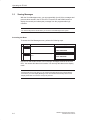
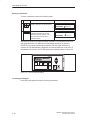
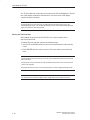
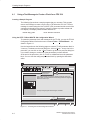
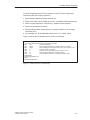
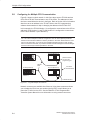
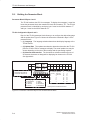
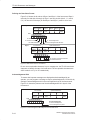
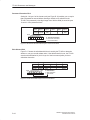
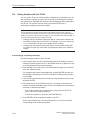
Figure 3-6 shows you what the TD 200 displays if you try to set the time on an
S7-200 CPU that does not contain a clock.
SIEMENS
TD 200
Figure 3-6 No Clock in CPU Display
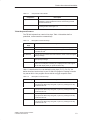
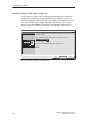
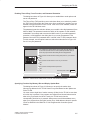
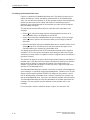
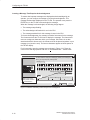
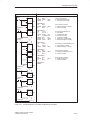
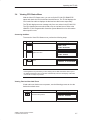
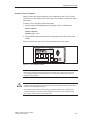
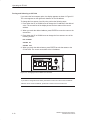
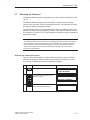
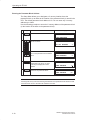
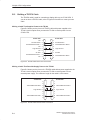
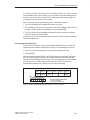
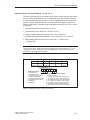
Accessing the Menu
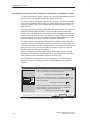
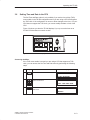
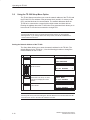
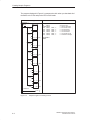
If the TOD menu enable is set and you are using a CPU that supports a TOD
clock, you can access the Set Time and Date menu by performing the following
steps.
Key
1.
ESC
Action
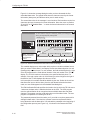
The TD 200 enters the Menu mode.
Display
MENU MODE:
VIEW MESSAGES
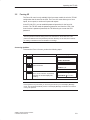
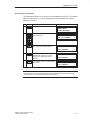
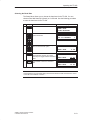
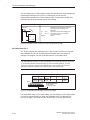
2.
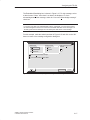
The TD 200 scrolls down the menu
options three times.
MENU MODE:
SET TIME AND DATE
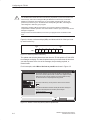
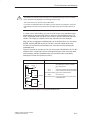
3.
ENTER
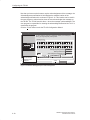
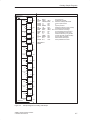
The TD 200 enters the Set Time and
Date menu.
28–FEB–95
14:34:12
MONDAY
SIMATIC TD 200 Operator Interface
C79000-G7076-C205-05
3-13