1
Chapter 2 Installation and Configuration
Setting Ethernet
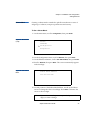
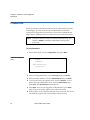
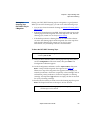
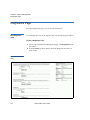
To Set a Time Server:
2
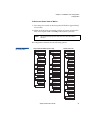
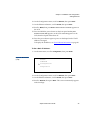
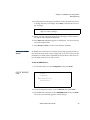
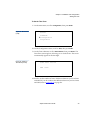
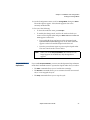
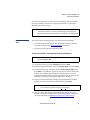
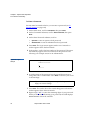
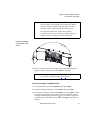
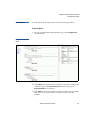
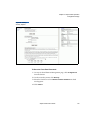
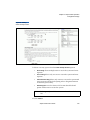
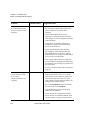
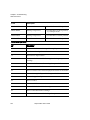
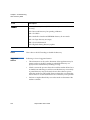
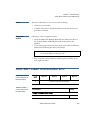
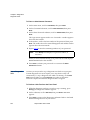
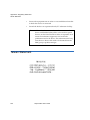
1 On the main menu, scroll to Configuration, then press Enter.
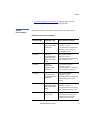
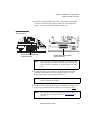
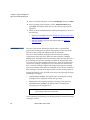
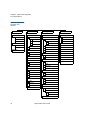
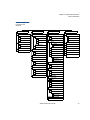
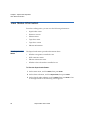
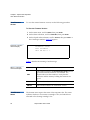
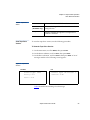
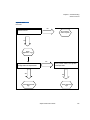
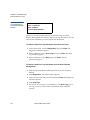
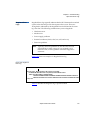
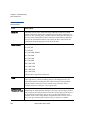
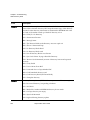
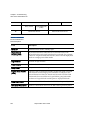
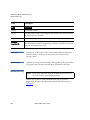
Figure 33 Main Menu
(LCD)
Status
Commands
Configuration
Diagnostics
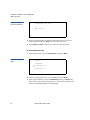
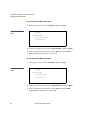
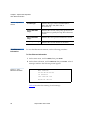
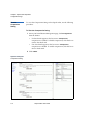
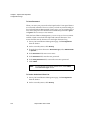
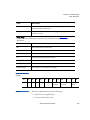
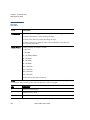
2 On the Configuration menu, scroll to Ethernet, then press Enter.
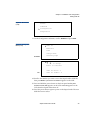
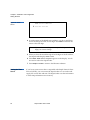
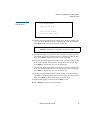
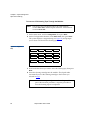
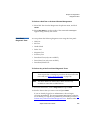
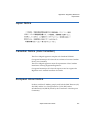
3 On the Ethernet submenu, scroll to Set Time Server, then press Enter.
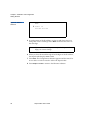
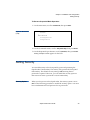
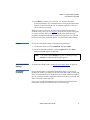
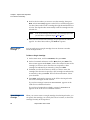
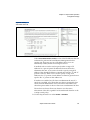
The cursor automatically appears at the first digit.
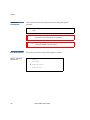
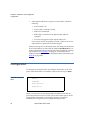
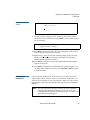
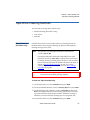
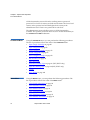
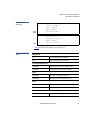
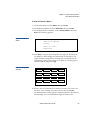
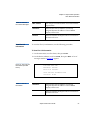
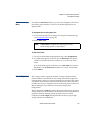
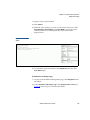
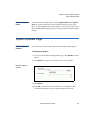
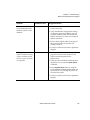
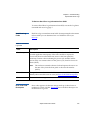
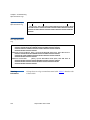
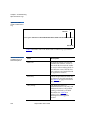
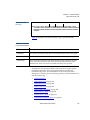
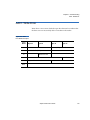
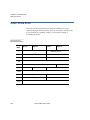
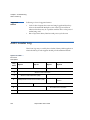
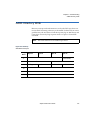
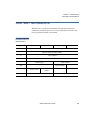
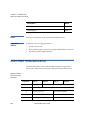
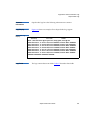
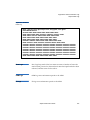
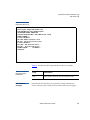
Figure 34 Setting a
Time Server
Time Server Address
192.005.041.041
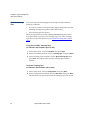
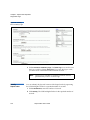
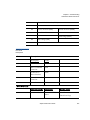
4 At each position of the time server address, use the up and down
arrows to change the value of each digit. Press Enter to advance the
cursor to the next digit.
Note:
If you make a mistake, press Escape to backspace to the
digit you want to change.
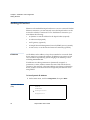
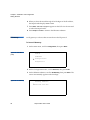
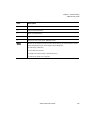
5 When you have advanced through all of the digits of the IP address,
the SuperLoader displays Enter to save.
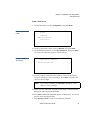
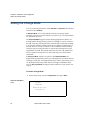
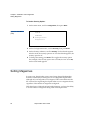
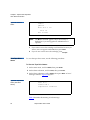
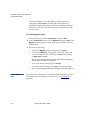
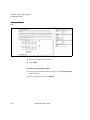
6 Press Enter. Time Server changed to appears on the display. You do not
need to reboot the SuperLoader.
7 Press Escape or Enter to return to the Ethernet submenu.
SuperLoader User’s Guide
41