1
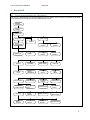
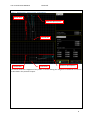
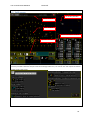
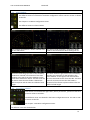
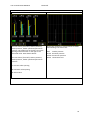
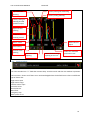
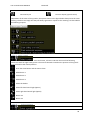
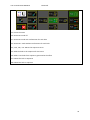
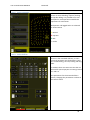
User manual BeverWIN2010 Boom movement is activated. See 1.3.5.2 Parallel operation is drilling Connected boom
Chair consol BeverDrill Parallel operation rod handling is activated
Standing consol Auto Boom Auto on Auto on with Auto state, off
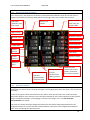
No.
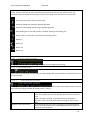
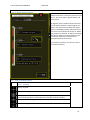
acknowledge see icon list for each hole
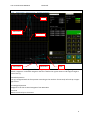
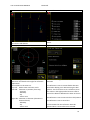
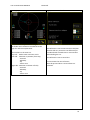
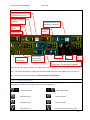
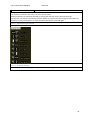
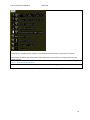
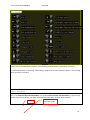
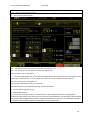
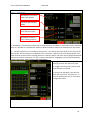
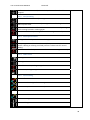
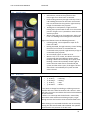
Auto is on but no sequence, “Auto to nearest hole” or “Only drill” is possible. F20: General information joysticks, see chapter See 1.3.5.1 F21: ‐ F22: Menu description, changes with activated joystick function. See chapter 1.3.5.2 to 1.3.5.4 F30: ‐ 32: Auto menu for each boom, see Feil! Fant ikke referansekilden. 1.3.5.1 General information Below is a description of the icons in the following chapters. The highlighted (white) button is the function key used for the activating a joystick menu or operation. Left hand joystick Right hand joystick Function key F1 Function key F1 Function key F2 Function key F2 Function key F3 Function key F3 (joystick menu) 17