1
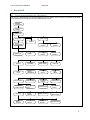
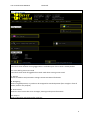
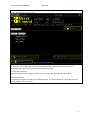
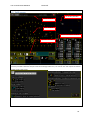
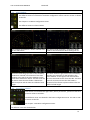
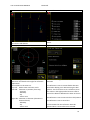
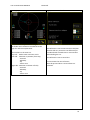
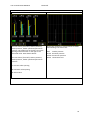
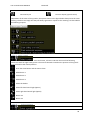
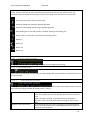
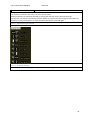
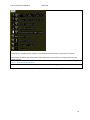
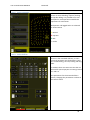
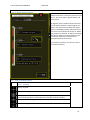
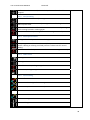
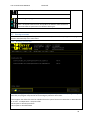
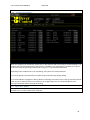
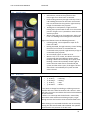
User manual BeverWIN2010 BeverDrill 1.2 Main menu F11: Continue drilling Enters drill screen without erasing logged holes. Used when part of the round is already drilled. F12: Erase old log. Start new round Enters drill screen with all logged holes erased. Used when starting a new round. F7: Service Sensor surveillance and parameter settings. See Service Manual for details. F8: Navigating Shows navigated position, or jumbo can be navigated to standard position (face straight in front of jumbo, used for test purpose) F9: Show events Shows the list of events like error messages, warnings and system information F23: Swap to Swap to BeverPlan and BeverProfiler programs. 6