1
Power Manager Example Implementation
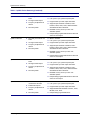
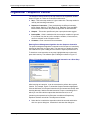
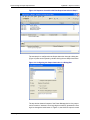
LogiBuilder - Sequence Control
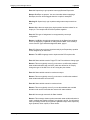
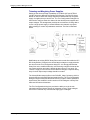
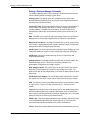
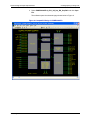
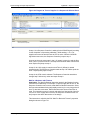
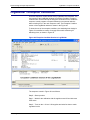
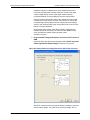
Step 0 – No action.
Step 1 – Waits for the calibration to complete and sets the watchdog timer
output to logic 1.
Step 2 – NOP does nothing.
Step 3 – Starts a 500ms timer.
Step 4 – If WDT_Trig signal is 0, restarts the 500ms timer. If the timer expires,
sets the interrupt to logic 0 and restarts the timer. If the WDT_Trig signal is at
logic high, waits at the same step until the trigger reaches 0 or the timer
expires.
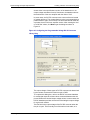
As you see, the NOP instruction provides a method to restart the timer by
overcoming the limitation of no direct jump allowed to a timer control
instruction.
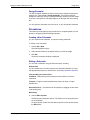
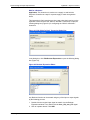
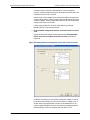
“Halt” Instruction
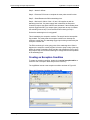
The Halt instruction stops the execution of the sequence. The last Halt
instruction is normally prevented to preserve a fail-safe stopping point for a
sequence. In cases where sequence flow is controlled by other means, the
last Halt instruction in the sequence window can be deleted. You can enable
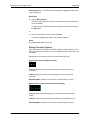
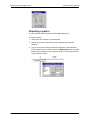
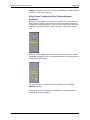
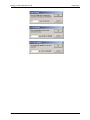
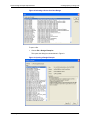
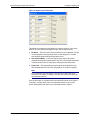
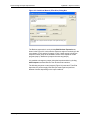
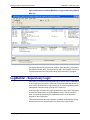
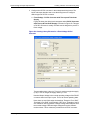
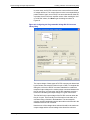
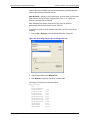
the deletion of the last halt instruction by choosing Options > LogiBuilder
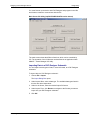
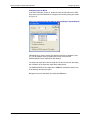
Options in a LogiBuilder window (Figure 41). The following dialog box will
open.
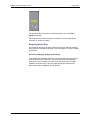
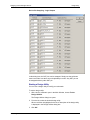
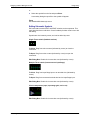
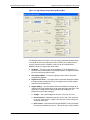
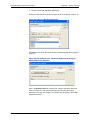
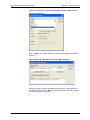
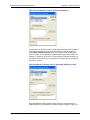
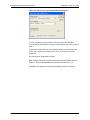
Figure 41: Allowing Deletion of the Last Halt Instruction
Select the “Allow deletion of the last Halt instruction” option and you will no
longer be prevented from deleting any Halt instruction.
PAC-Designer Software User Manual
182