1
3.2: Bluetooth Settings
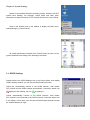
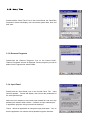
Double-click the Bluetooth icon on the Control Panel, the Bluetooth Options window will be displayed.
User can set the browser home page address, the Web proxy server address, security level and other
browser-related parameters.
3.3: WiFi Settings
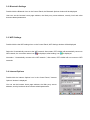
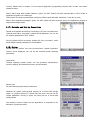
Double-click the the WiFi settings icon on the Control Panel, WiFi Settings window will be displayed
Select the "Automatically connect to the WiFi network, after restart, PDT-1000W will automatically connect to
WiFi network, the connection status icon
is displayed, after landing, icon
is displayed.
Not select “Automatically connect to the WiFi network ", after restart, PDT-1000W will not connect to WiFi
networks.
3.4: Internet Options
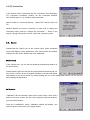
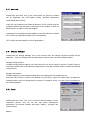
Double-click the Internet Options icon in the Control Panel, "Internet
Options" window is displayed.
You can set the browser home page address, the Web proxy server
address, security level and other browser-related parameters.