1
4.7.2 ANALYSIS MENU
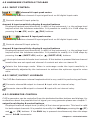
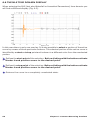
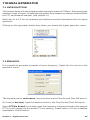
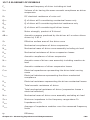
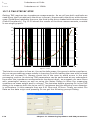
The Analysis menu gives you a powerful way to access the measurement menu and
menu functions, through the keyboard. Here we present you with all the available menus
and shortcuts; the shortcuts, when present, are visible from each submenu and are
listed on the right of the function; refer to the specific chapters for each measurement
for details about it.
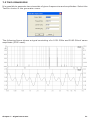
Fig.4.11 Analysis Menu
CTRL+M
Enters the MLS&LogChirp Analysis control panel.
CTRL+W
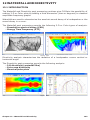
Enters the Waterfall&Directivity control panel.
CTRL+A
Enters the Acoustical Parameters control panel.
CTRL+F
Enters the FFT&RTA Analysis control panel.
CTRL+S
Enters the Sinusoidal Analysis control panel.
F4
Enters the Multimeter control panel.
CTRL+T
Enters the Thiele&Small Parameters control panel.
CTRL+Alt+W
Enters the Wow&Flutter control panel.
CTRL+L
Enters the Leq control panel.
CTRL+D
Enters the Linearity&Distortion control panel.
CTRL+Q
Enters the Quality Control Processor.
46
Chapter 4 - CLIOwin basics