1
User’s manual
Chapter 4
District Anthropometry
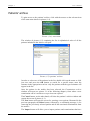
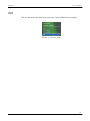
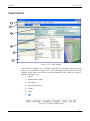
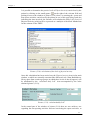
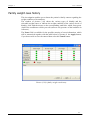
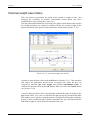
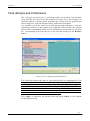
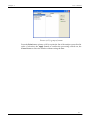
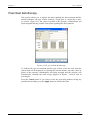
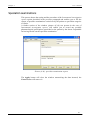
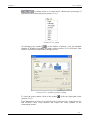
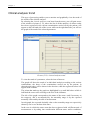
This processing (picture (4.5)) enables you to record the measurements regarding
the body circumferences (forearm, arm, shoulders, waist, hips…) and the skin
folds (bicipital, tricipital, subscapular….) of the patient, if necessarily taken.
Picture (4.5): district anthropometry
To enter the numeric value of the measurement taken, position yourself with the
mouse inside the corresponding box and type in the value according to the
measurement unit indicated in the brackets.
To view the entire list of items in the window, use the appropriate scroll bar on
the right of the window or the relevant arrows.
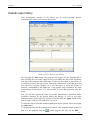
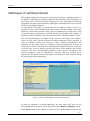
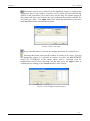
By selecting the symbol on the left of the headings Circumferences and Skin
folds, you will be able to hide the items and the measurements regarding the
circumferences and/or skin folds; the
symbol will carry out the reverse
procedure.
The user will decide from time to time whether to activate this process and if
necessary which parameters to enter and monitor.
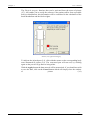
A special zone, on the left side of the window, contains an in-depth study text,
which explains the exact procedure to follow for taking the measurements.
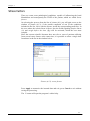
Click on the Apply button to record the data and exit.
Press the Cancel button to exit from the processing without recording the data.
51