1
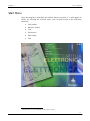
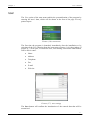
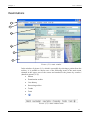
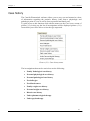
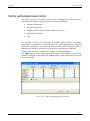
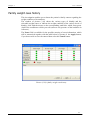
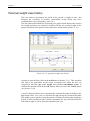
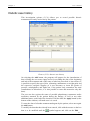
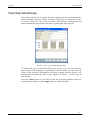
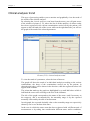
User’s manual Chapter 1 Start Menu Once the program is launched, the window shown in picture (1.1) will appear in which, by selecting the relevant items, you can gain access to the following functions: New patient Patients’ archive User Preferences Data safety1 Exit picture (1.1): start window 1 This function is not provided for in the online version. 4