1
User’s manual
Chapter 2
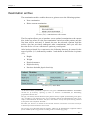
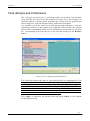
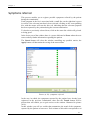
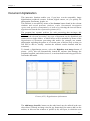
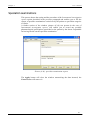
It is possible to determine the precise level of Physical activity carried out by the
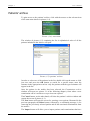
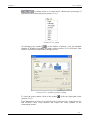
patient by clicking on the small square
on the right of the relevant field and
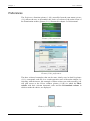
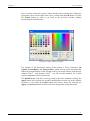
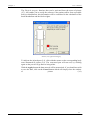
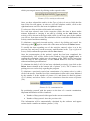
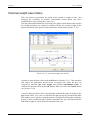
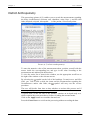
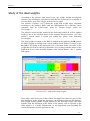
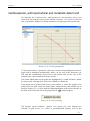
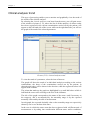
gaining access to the window of picture (2.10) where, on entering the sports and
non sports activities carried out by the patient in one of his typical days and also
indicating the time involved, the software will calculate the daily LAF (Level of
Physical Activity) which will be expressed as a multiple of the basal Metabolism
for the estimate of the TDEE.
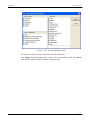
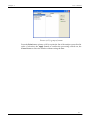
Picture (2.10): calculation of the level of physical activity
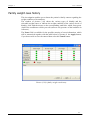
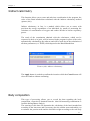
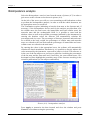
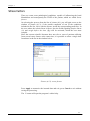
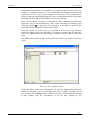
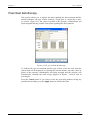
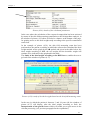
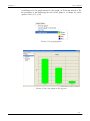
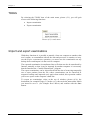
Once this calculation has been carried out, the Physical activity item in the main
window, to which are normally associated the different levels (from Bedridden to
Heavy apart from certain age groups in which these levels do not all appear), will
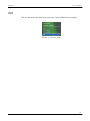
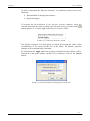
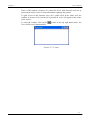
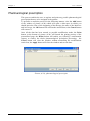
be substituted by the calculated daily LAF item accompanied by the value
obtained (picture (2.11)).
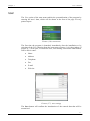
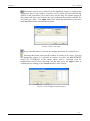
Picture (2.11): calculated daily LAF
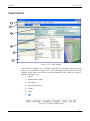
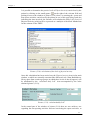
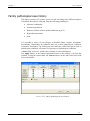
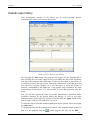
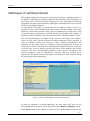
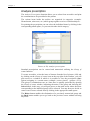
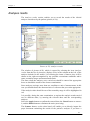
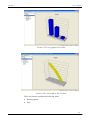
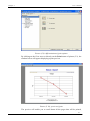
In the central part of the window of picture (2.10) there are two archives, one
regarding the non-sporting activities and one concerning the sports activities, to
24