1
•
•
After 30 seconds (as an example), remove the Node away from the Interrogation
Antenna. In a moment, the sampling will stop and a message box will appear
allowing you to Save/No Save the data collected.
If you click ‘Yes’ to save the data, a data file will automatically be created and
stored in the Data folder found in the application path of your EmbedSense™
software installation. The file will be named “Stream” and the timestamp will be
concatenated to the file name (example: [email protected]).
Congratulations!
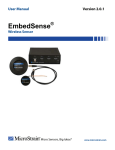
You are off and running! Please read the EmbedSense™ User Manual to learn how to
successfully put your EmbedSense™ Wireless Sensor to work.
Figure 1
3