1
Configuration
Event Setup
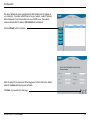
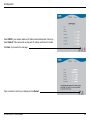
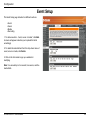
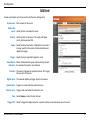
The Event Setup page includes four different sections.
• Event
• Server
• Media
• Recording
1. To add a new item - "event, server or media," click Add.
A screen will appear and allow you to update the fields
accordingly.
2. To delete the selected item from the drop-down menu of
event, server or media, click Delete.
3. Click on the item name to pop up a window for
modifying.
Note: You can add up to four events, five servers, and five
media fields.
D-Link DCS-6511 User Manual
45