1
Link Commands in the Tools Menus
Link > Clear Endpoint
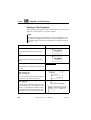
This menu command removes the link endpoint from the currently selected object, and subsequently all links connected to the endpoint.
This command is dimmed if more than one object is selected, or if the
selected object is not an endpoint.
If the selected object has no links connected to the endpoint, the endpoint is removed without further user interaction. The endpoint is removed from the Entity Dictionary and the Link Manager. The object is
no longer marked as a link endpoint in the invoking tool (an editor or
the Organizer).
Note:
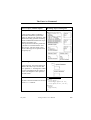
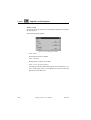
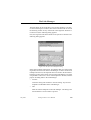
In the Text Editor, this command can also be used to reduce the extent of an already existing endpoint. If the selection only indicates a
partial range of the endpoint, at the start or end of the endpoint, a dialog will appear allowing you to choose whether to remove the entire endpoint, or just remove the selected part of the endpoint from
the selection.
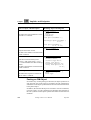
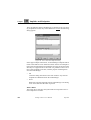
If a partial range in the middle of the endpoint text is selected, the
only possibilities are to remove the entire endpoint or cancel the operation.
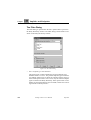
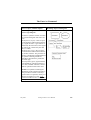
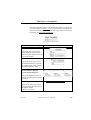
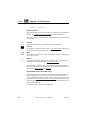
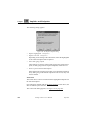
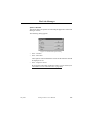
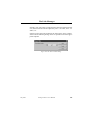
If the selected object has one or more links connected to the endpoint, a
warning dialog is opened, since the operation of removing a link cannot
be undone:
July 2003
Telelogic Tau 4.5 User’s Manual
,um-st1
447