1
Using the ssql Command
With ssql, you can query based on any field in any relation in any of the Sablime
databases.
In most cases, ssql positional parameters and keywords correspond to the
respective field in the database relation being queried. For the MRG, MR, MRX,
and SNAP relations, however, some of the ssql positional parameters and
keywords refer to information stored elsewhere in the Sablime database. For
example, the ssql hist keyword for the MG relation accesses information in the
product_name/FILES directory, but ssql treats it as if it were part of the MG
relation.
Most ssql keywords reflect the internal keyword of a command that updates the
database. For example, the ssql g keyword in the MRG relation refers to the same
information as the g keyword in the create command. In other cases, however,
there is no direct relationship between the ssql keyword and a command internal
keyword. For example, the ssql hist keyword in the FTD relation refers to the
seventh field in the FTD relation, but this information was gathered by a number of
keywords or fields in the ftd command.
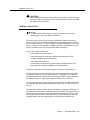
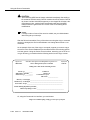
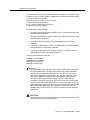
NOTE:
Accessing information from a text file (e.g., a description or resolution file)
can take some time.
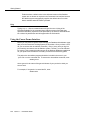
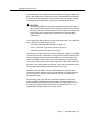
ssql can be used by any user on the host machine or a satellite machine in an
NFS/RFS or TCP/IP network.
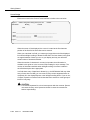
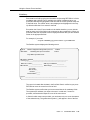
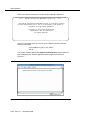
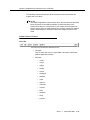
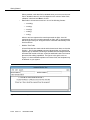
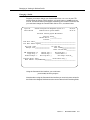
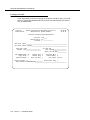
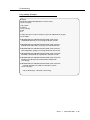
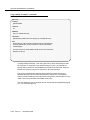
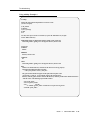
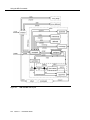
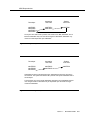
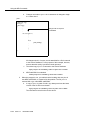
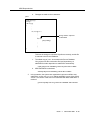
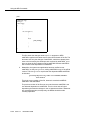
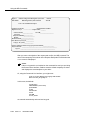
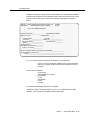
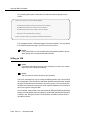
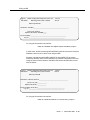
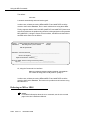
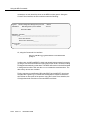
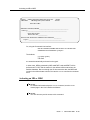
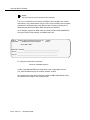
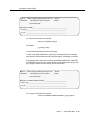
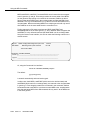
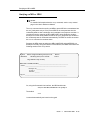
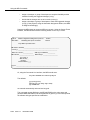
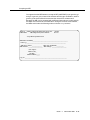
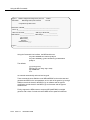
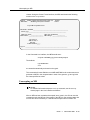
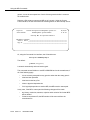
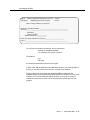
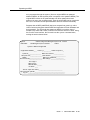
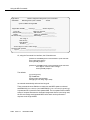
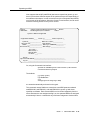
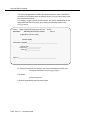
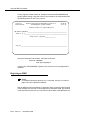
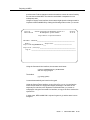
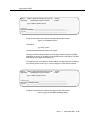
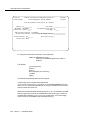
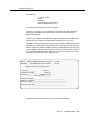
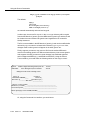
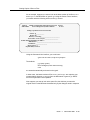
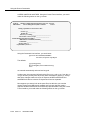
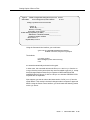
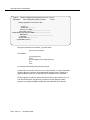
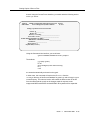
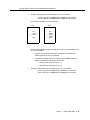
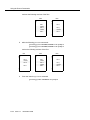
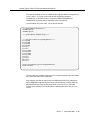
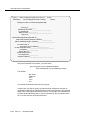
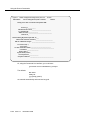
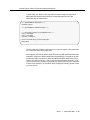
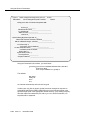
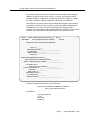
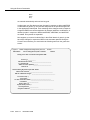
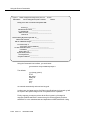
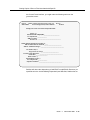
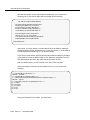
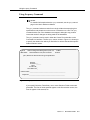
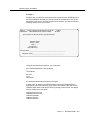
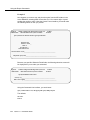
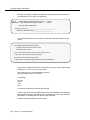
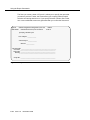
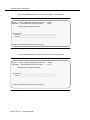
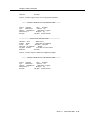
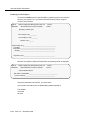
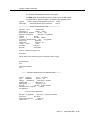
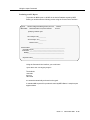
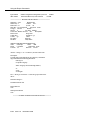
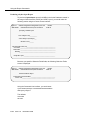
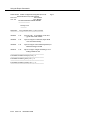
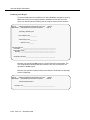
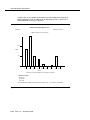
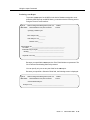
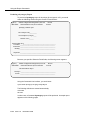
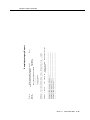
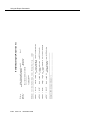
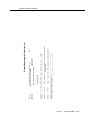
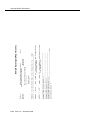
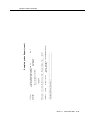
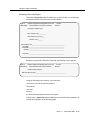
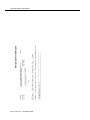
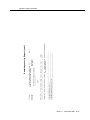
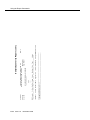
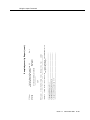
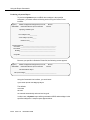
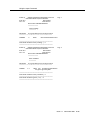
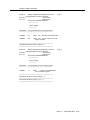
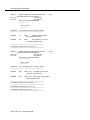
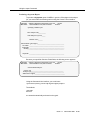
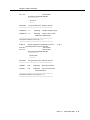
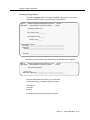
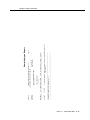
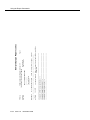
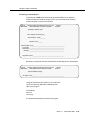
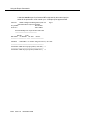
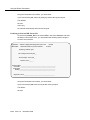
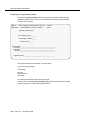
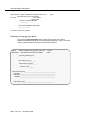
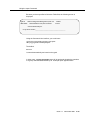
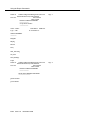
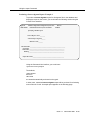
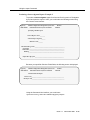
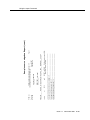
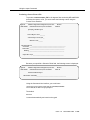
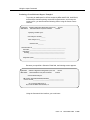
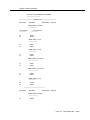
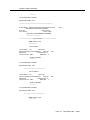
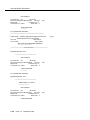
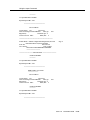
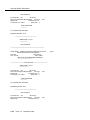
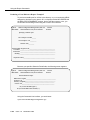
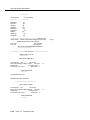
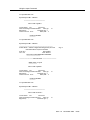
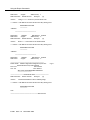
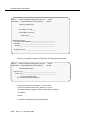
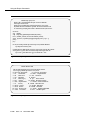
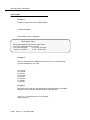
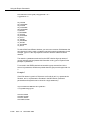
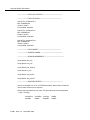
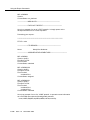
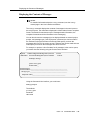
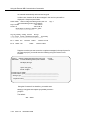
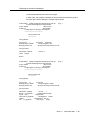
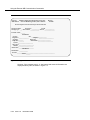
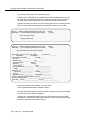
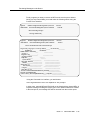
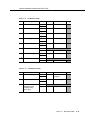
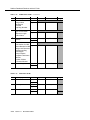
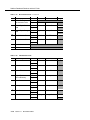
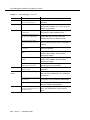
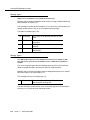
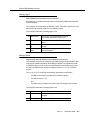
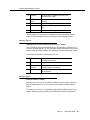
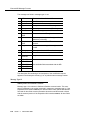
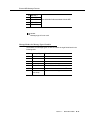
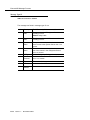
Help screens are available to assist the user. Two such help screens are
illustrated on the following page (figures 6-11 and 6-12).
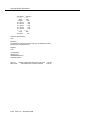
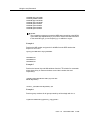
Only 20 characters of the description are displayed on the help screen. Some
unused fields are marked dummy on the help screens.
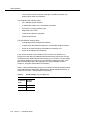
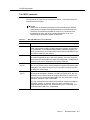
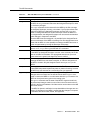
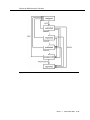
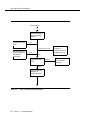
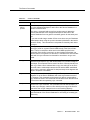
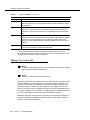
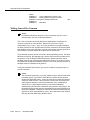
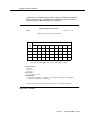
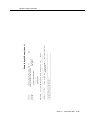
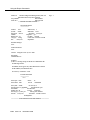
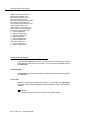
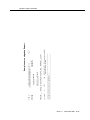
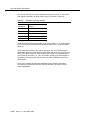
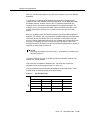
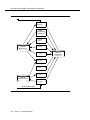
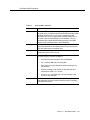
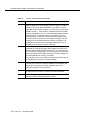
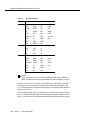
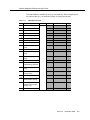
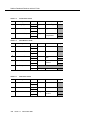
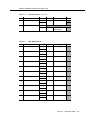
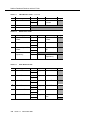
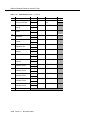
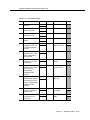
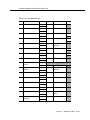
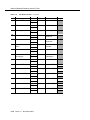
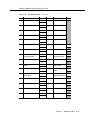
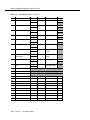
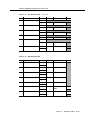
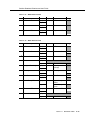
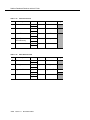
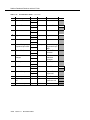
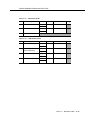
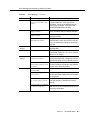
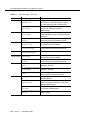
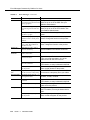
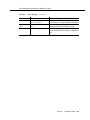
Table 6-5.
Parallel MRG States
State
MR Type
Document
Firmware
Hardware
Software
preinspected
prefitpassed
prehitpassed
preitpassed
inspected
fitpassed
hitpassed
itpassed
prepublished
prefstpassed
prehstpassed
prestpapssed
published
fstpassed
hstpassed
stpassed
AT&T — PROPRIETARY
See notice on first page
Issue 1.0
November 2000
6-125