1
FDRPAS SWAP JCL, ST A T E ME N T S , EXA MPL E S , A N D ISPF IN T E RF A CE
FDRPAS JOB CONTROL REQUIREMENTS
310.1
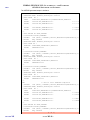
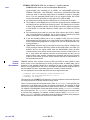
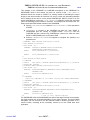
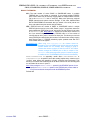
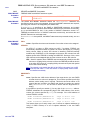
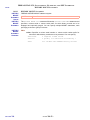
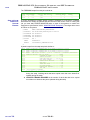
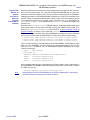
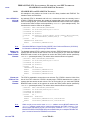
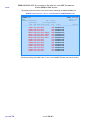
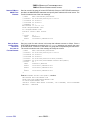
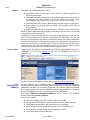
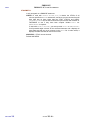
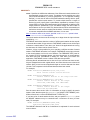
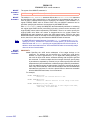
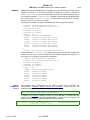
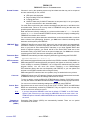
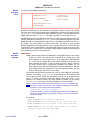
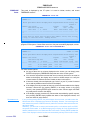
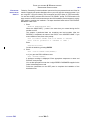
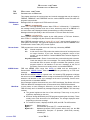
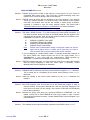
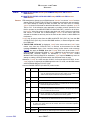
You can also get the CPUID value is the on a specific z/OS system by executing this
console command from a console that is attached to the system:
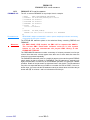
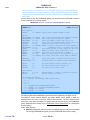
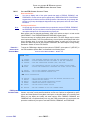
D M=CPU
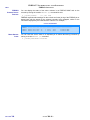
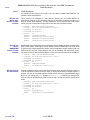
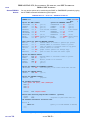
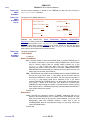
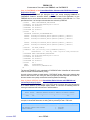
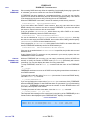
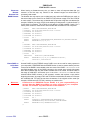
You receive a response similar to:
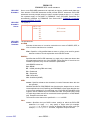
D M=CPU
IEE174I 15.34.53 DISPLAY M 899
PROCESSOR STATUS
ID CPU
SERIAL
00 +
0212342818
01 +
0212342818
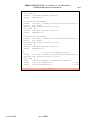
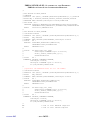
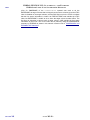
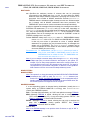
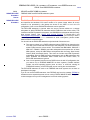
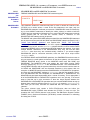
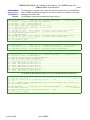
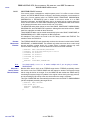
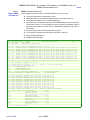
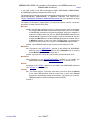
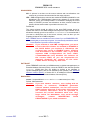
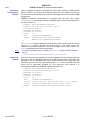
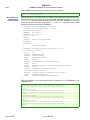
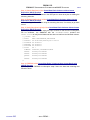
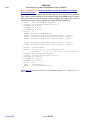
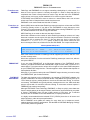
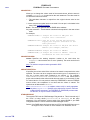
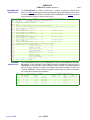
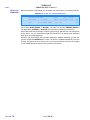
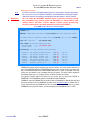
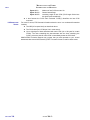
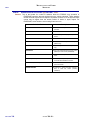
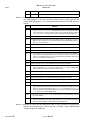
The following is an example of using PASJOB to route MONITOR tasks to two different
systems that uses a /*ROUTE statement to route the MONITOR tasks. You may have
different requirements to route jobs such as CLASS=, SYSAFF=, or a ROUTE statement to
get the job to the proper LPAR in the SYSPLEX.
//PASJOB
DD DATA,DLM=$$
//*CPUID=0912342818
//PASMONA JOB …
/*ROUTE
XEQ JESCPUA
//MONITOR EXEC PASPROC
//PAS.SYSIN DD *
MONITOR TYPE=SWAP,DYNMON=YES
/*
//*CPUID=0212342818
//PASMONB JOB …
/*ROUTE
XEQ JESCPUB
//MONITOR EXEC PASPROC
//PAS.SYSIN DD *
MONITOR TYPE=SWAP,DYNMON=YES
/*
$$
USING PASPROC
TO EXECUTE
FDRPAS
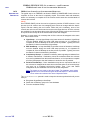
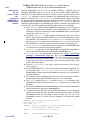
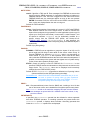
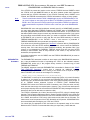
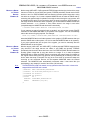
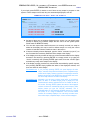
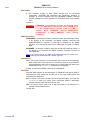
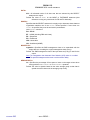
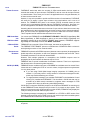
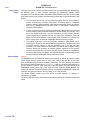
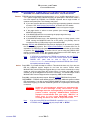
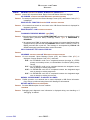
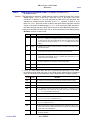
As part of the installation of FDRPAS, you were required to edit a cataloged procedure
(PROC) for FDRPAS and store it in a system procedure library (see “PASPROC” in
Section 380.16). This was required so that the FDRPAS MONITOR task can start
additional MONITOR tasks as system started tasks. However, you can also use this
PROC to execute FDRPAS in batch jobs or to start FDRPAS from a system console with a
START (S) command. The default name of this PROC is PASPROC but if you changed it
during installation, substitute your name in the examples in this manual.
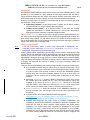
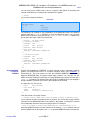
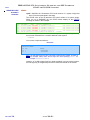
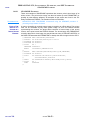
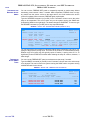
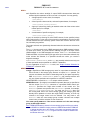
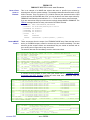
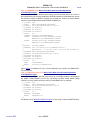
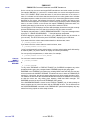
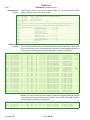
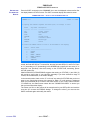
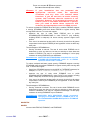
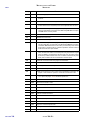
In a batch job, use JCL such as:
//SWAP
EXEC PASPROC
//PAS.SYSIN DD *
SWAP
TYPE=FULL
MOUNT
VOL=TS0123,SWAPUNIT=1234
/*
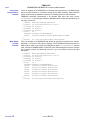
From the console, use syntax such as:
S PASPROC.VTSO123,PARM='SWAP TYPE=FULL/MOUNT VOL=TSO123,SWAPUNIT=1234'
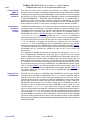
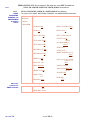
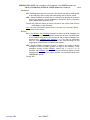
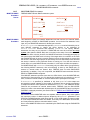
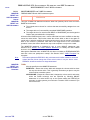
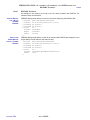
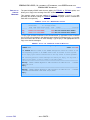
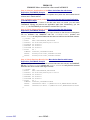
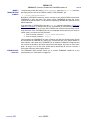
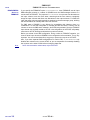
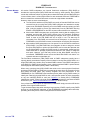
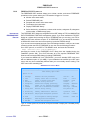
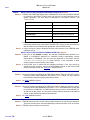
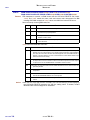
If your systems are part of a sysplex (basic or parallel), you can use the console ROUTE
command to start MONITOR tasks on all systems in the sysplex. The ROUTE command
can considerably reduce the amount of typing required. For example:
ROUTE T=0,*OTHER,S PASPROC.MON2,PARM='MONITOR TYPE=SWAP/MOUNT SU=2*'
starts the MONITOR task on all other systems in the sysplex (*OTHER assumes that you
start the SWAP task on this system, use *ALL to start the MONITOR task on all systems).
CHAPTER
310
– PAGE 310-3 –