1
Chapter 4 Driver CD Introduction
Install SiI3112 SATA RAID Driver
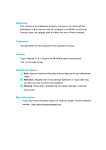
Click <Install Driver> from the main menu and enter the install driver menu (as
shown in fig. 1). Click <SiI3112 SATA RAID> to start the installation.
Click here
1
Install SuperUtilily
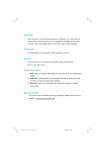
From the main menu, select <Accessories> (as shown in following fig. 1). Click
<SuperUtilily> to start the setup.
Click here
1
755/760A01 Series User Manual
755A01-032604.p65
71
2004-3-26, 15:28
71