1
SECTION VII
FACTORY PRESET PROGRAMS/PARAMETERS .......................................... 51
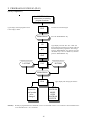
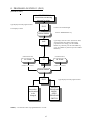
A. Phase 5 DMC Factory Preset Programs/Parameters
Domestic with 25¢ Single Coin ................................................................................................. 52
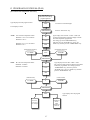
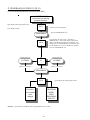
B. Phase 5 DMC Factory Preset Programs/Parameters
Domestic with 10¢/25¢ Dual Coin Acceptor ............................................................................. 53
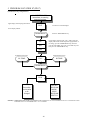
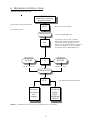
C. Phase 5 DMC Factory Preset Programs/Parameters
Domestic with O.P.L. (Non-Coin) Controls ............................................................................... 54
SECTION VIII
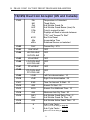
PHASE 5 DMC SYSTEM DIAGNOSTICS .......................................................... 55
A.
B.
C.
D.
Diagnostics (L.E.D. Display) Failure Codes ............................................................................... 55
L.E.D. Display Indicators (Dots) ............................................................................................... 56
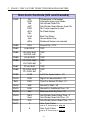
Phase 5 Dual Microprocessor Controller (DMC) Computer Relay Output L.E.D. Indicators ...... 56
Phase 5 Dual Microprocessor Controller (DMC) Computer Input/Output L.E.D. Indicators ...... 57
SECTION IX
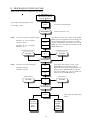
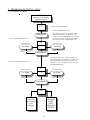
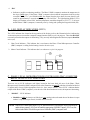
PHASE 5 AUTO CYCLE (PATENT NO. 4,827,627)........................................... 58
“A” AND “B” FACTOR PARAMETERS............................................................. 58
SECTION X
PHASE 5 DMC PROGRAMMING LIMITS ........................................................ 59
SECTION XI
OPTIONAL 9 VOLT BATTERY BACKUP ........................................................... 60