1
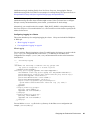
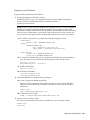
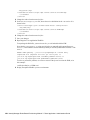
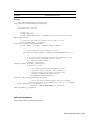
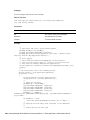
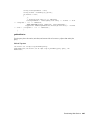
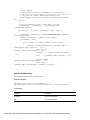
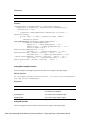
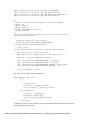
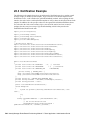
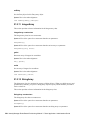
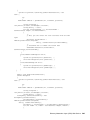
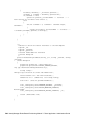
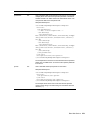
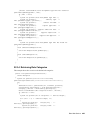
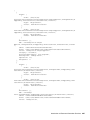
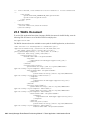
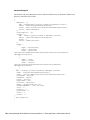
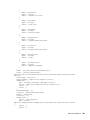
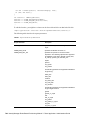
// Signing
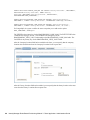
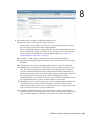
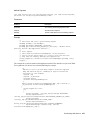
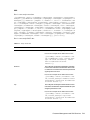
Signature sig = Signature.getInstance("SHA1withRSA");
sig.initSign(privatekey, SecureRandom.getInstance("SHA1PRNG"));
sig.update(userId.getBytes("UTF-8"));
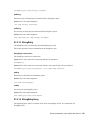
String timestamp =
Long.valueOf(System.currentTimeMillis()).toString();
sig.update(timestamp.getBytes("UTF-8"));
byte[] signature = sig.sign();
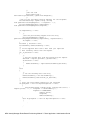
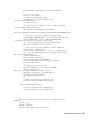
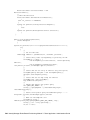
// Build the content
return new String(Base64.encodeBase64(userId.getBytes("UTF-8")),
"UTF-8") +
":" + timestamp +
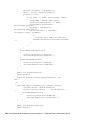
":" + new String(Base64.encodeBase64(signature), "UTF-8");
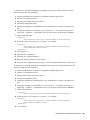
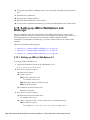
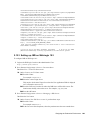
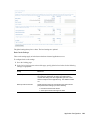
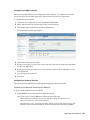
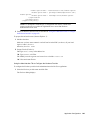
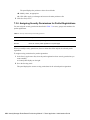
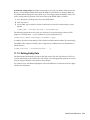
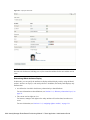
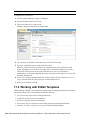
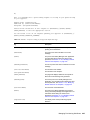
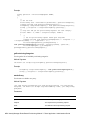
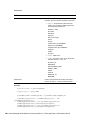
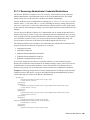
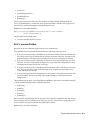
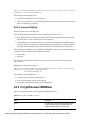
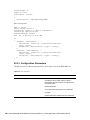
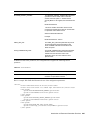
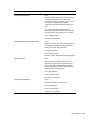
Configuring the Custom SSO Provider in the SSO Configuration Page
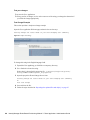
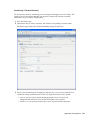
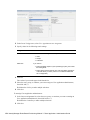
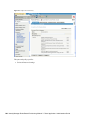
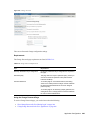
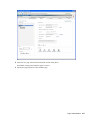
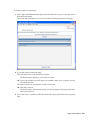
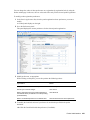
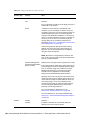
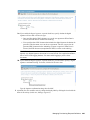
To configure a custom provider in the Single Sign On page within the User Application:
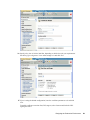
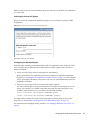
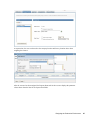
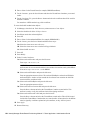
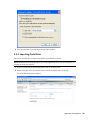
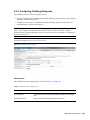
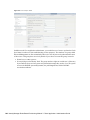
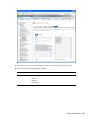
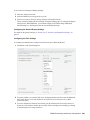
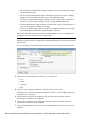
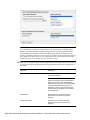
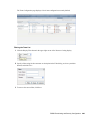
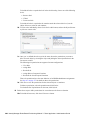
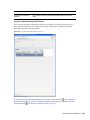
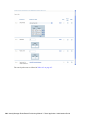
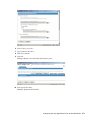
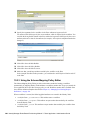
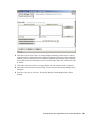
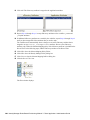
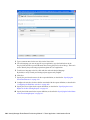
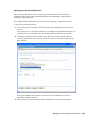
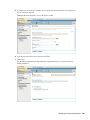
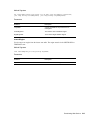
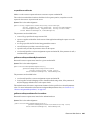
1 Select the New button in the menu on the Single Sign On (SSO) page.
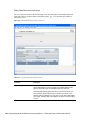
The New SSO Provider dialog displays.
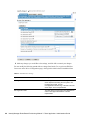
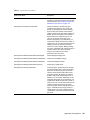
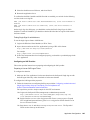
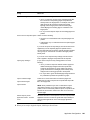
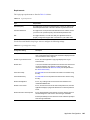
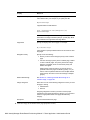
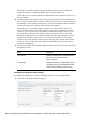
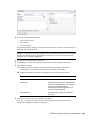
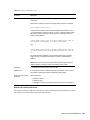
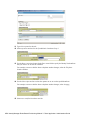
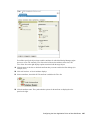
2 In the SSO Provider Name field, specify a name for the provider. This name must match the
SSO Header Name, as described in “Implementing and Deploying a Custom SSO Provider” on
page 168.
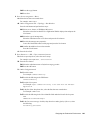
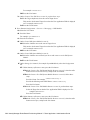
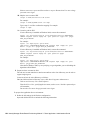
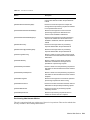
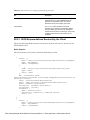
3 In the Expiration Interval field, specify the number of seconds that the SSO Header will be
kept alive before expiring. This value defines the lifecycle of the SSO Header from the time it
is issued. The expiration interval is needed to prevent replay attacks. You need to consider the
network latency between your SSO Provider and the SSO Controller, as well as clock
synchronization between the two components, if they are deployed on different machines.
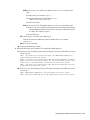
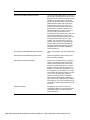
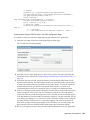
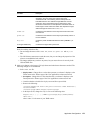
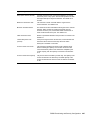
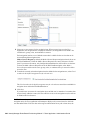
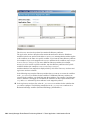
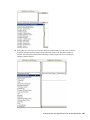
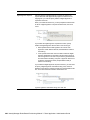
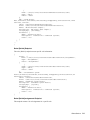
4 In the User ID Mapping field, indicate whether the user ID will be associated with a user DN or
with a user attribute, such as a CN. The User ID Mapping maps the user ID in the original
realm to the eDirectory realm. If Distinguished Name is selected, the SSO UserID that appears
in the SSO header has to be the full DN recognized by eDirectory. The SSO Controller will not
try to do any user mapping. If User Attribute is selected, the SSO Controller will try to map the
user from UserID to a full user DN. For a particular mapping, if the result is not unique (in
other words, a single UserID maps to multiple users in eDirectory), or the result is none, the
SSO Controller will refuse the SSO header, and the single sign on operation will fail.
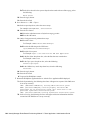
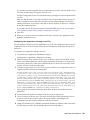
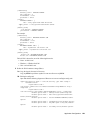
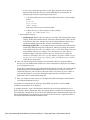
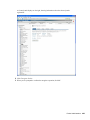
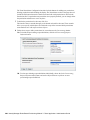
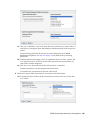
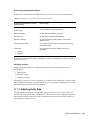
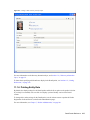
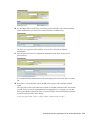
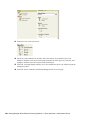
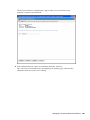
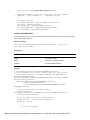
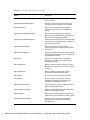
5 Browse to the Signing Certificate file you created earlier and upload it to the User Application.
Application Configuration 169