1
8
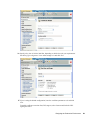
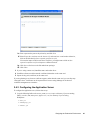
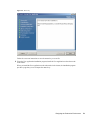
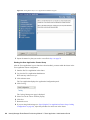
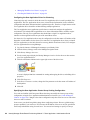
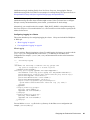
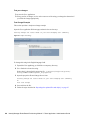
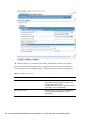
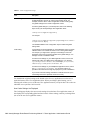
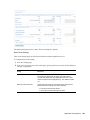
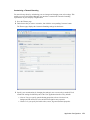
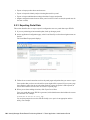
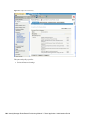
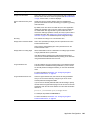
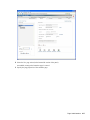
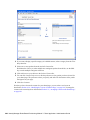
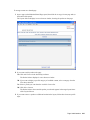
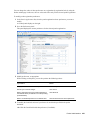
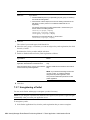
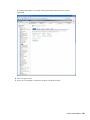
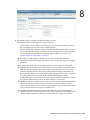
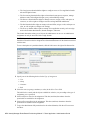
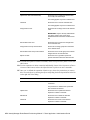
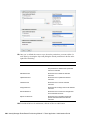
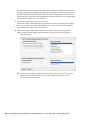
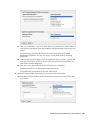
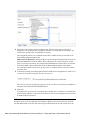
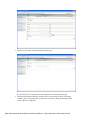
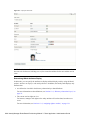
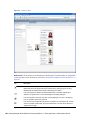
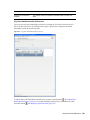
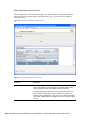
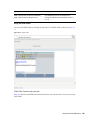
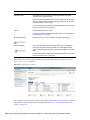
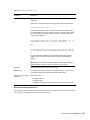
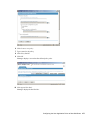
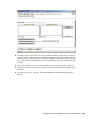
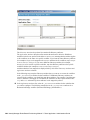
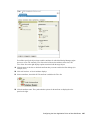
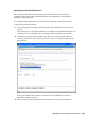
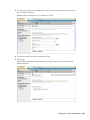
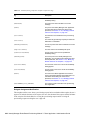
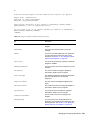
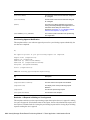
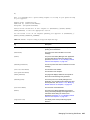
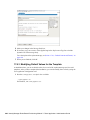
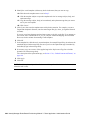
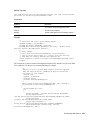
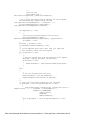
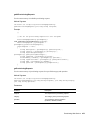
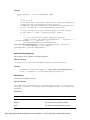
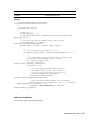
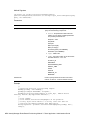
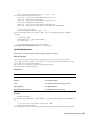
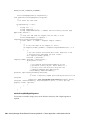
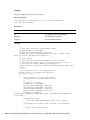
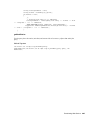
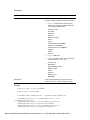
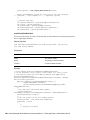
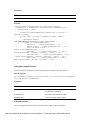
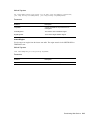
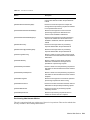
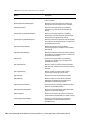
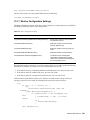
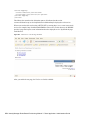
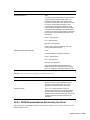
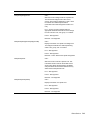
3 Perform these steps to configure the Digital Signature Service:
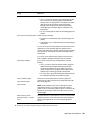
3a Select the Enable Digital Signature Support check box.
If this check box is not selected, users will see an error message when they try to access
any provisioning resource that requires a digital signature.
Before enabling digital signature support, make sure all of the required JARs are present.
If any of the JARs are missing, you will see an error message when you select the check
box. For details on which JARs are required for digital signatures, see Section 2.4,
“Digital Signature Configuration,” on page 57.
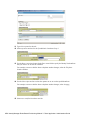
3b Select the Use XML Signature check box if you want to use an XML Signature.
3c Optionally select the Enable Signed Document Preview to allow users to preview signed
documents.
3d Type the name of the class for your digital signature service in the Class Name field.
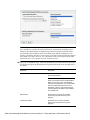
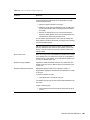
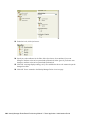
3e Optionally specify an entity key in the Alternative Certificate Subject Virtual Entity Key
field. The entity key maps to an entity defined in the data abstraction layer. The entity
provides a calculated attribute that can be used instead of the LDAP common name to
ensure that only authorized users can perform digital signing. In the Designer, you define
the entity, giving the key any name you like. On the Digital Signature Service
configuration panel, you specify the key for the entity you defined. The alternative subject
is an optional feature that you can use to add an extra layer of protection.
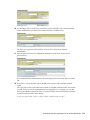
3f Optionally select the Certificate Authorization check box to ensure that the authenticated
user matches the user associated with the selected user certificate. When Certificate
Authorization is enabled, the current user is not permitted to use a certificate on the smart
card (or browser) that has been given to a different user.
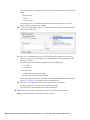
3g Optionally select the Enable Revocation Check check box to cause the application to
check the certificate revocation list (CRL) before using a certificate to be sure that it is still
valid. A certificate might be revoked for several reasons. For example, the certificate
RBPM Provisioning and Security Configuration 261