1
12.1.2 About Org Chart Display
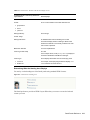
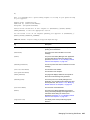
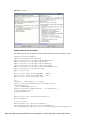
The Org Chart portlet can display in HTML mode (the default) or in Accessible mode which is the
508-compliant mode. You can enable or disable these views via the portlet preferences. When both
modes are enabled, users see a tabbed page. You can control the titles through preference
definitions.
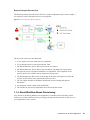
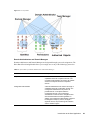
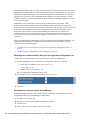
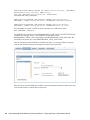
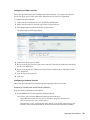
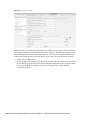
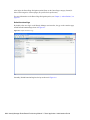
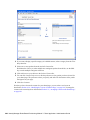
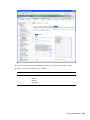
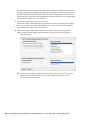
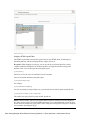
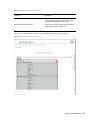
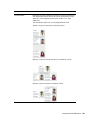
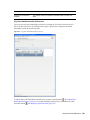
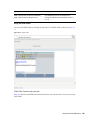
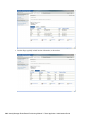
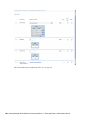
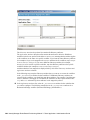
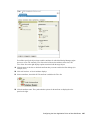
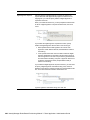
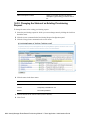
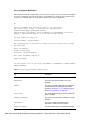
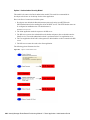
Users are able to display multiple relationships in one org chart as long as the relationships share the
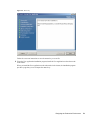
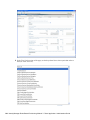
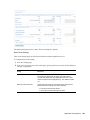
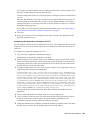
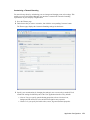
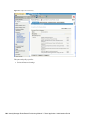
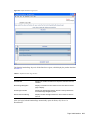
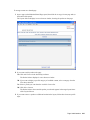
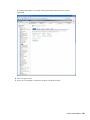
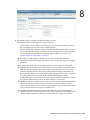
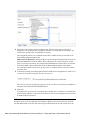
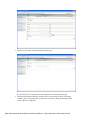
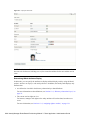
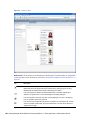
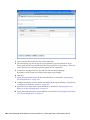
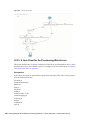
source entity. For example, Figure 12-3 shows the org chart with both manager-employees, and
users-groups for the root entity.
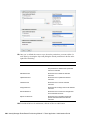
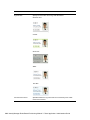
Figure 12-3 Org Chart Displaying Multiple Relationships
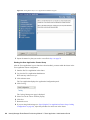
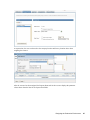
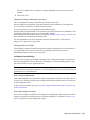
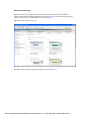
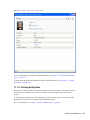
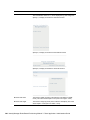
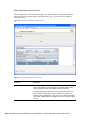
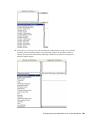
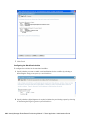
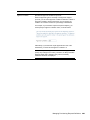
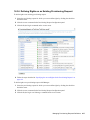
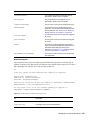
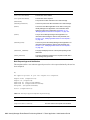
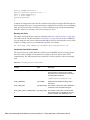
If the manager attribute is multi-valued, the org chart automatically allows users to choose which
manager’s org chart to display, as shown in Figure 12-4 on page 332.
Org Chart Portlet Reference 331