1
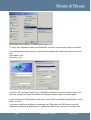
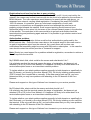
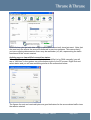
Navigating from your start button, you would normally find it under “Programs” /
“Accessories” / “Communications”, as illustrated by the screenshot above. For a typical XP
installation the executable will reside in: "C:\Program Files\Windows NT\hypertrm.exe"
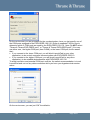
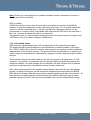
Start the program, and you will soon be prompted for a name and icon for the session.
It is not essential what you specify here, but in case you want to save the configuration for
future use, you may want to use a descriptive name e.g. “EXPLORER 110”.
FAQ
®
EXPLORER 100/110
Page 42/67