1
PICOe-GM45A Half-Size CPU Card
7.5 Intel® 82574 PCI Express Gigabit Ethernet Controller Driver
To install the Intel® 82574 PCIe GbE controller, please follow the steps below.
Step 1: Select “3-LAN” from the list in Figure 7-2.
873H
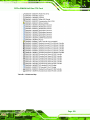
Step 2: Locate the PRO2KXP_v13_1_2.exe setup file and double click it.
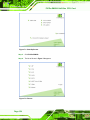
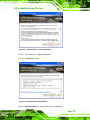
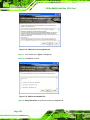
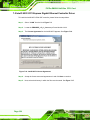
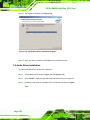
Step 3: The License Agreement for the Intel® 82573 appears. See Figure 7-16.
874H
Figure 7-16: Intel® 82574 License Agreement
Step 4: Accept the license terms and agreements in and click NEXT to continue.
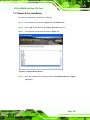
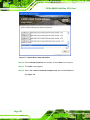
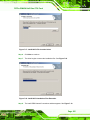
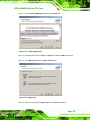
Step 5: Next, select the directory in which the files must be saved. See Figure 7-17.
875H
Page 164