1
XMU+ ATIS Guide rev.04
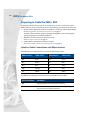
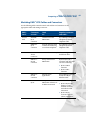
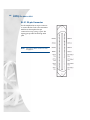
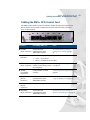
Understanding the XMU+ Front Panel
Understanding the XMU+ Front Panel
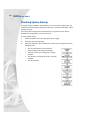
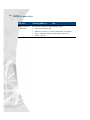
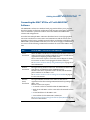
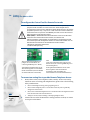
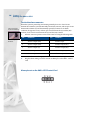
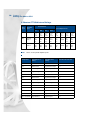
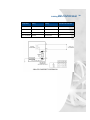
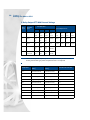
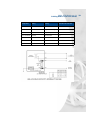
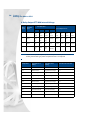
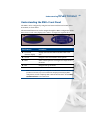
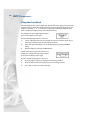
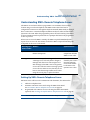
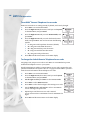
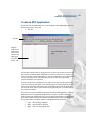
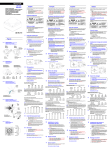
The XMU+ can be configured by using the four buttons and the LCD located on the
Front Panel, as shown below.
The Front Panel buttons are used to navigate through the XMU+ configuration menu
that is shown on the LCD (display). The menu is arranged in a top-down flow.
[
Y
Y
X
Z
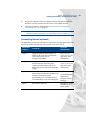
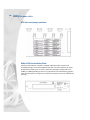
This feature...
Is used to...
X 2 x 16 LCD
character display
Display function information and line status to the
user.
Y Arrows
Navigate to the various XMU+ menu options.
Z Enter
Select a menu option or to navigate to a deeper level of
the menu.
[ Exit
Navigate back up the menu.
Note:
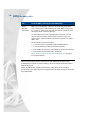
XMU+ can also be managed and configured with XMUCOM+ software. This software
provides an intuitive, easy-to-use interface for designing and changing XMU+
configurations, and for completing XMU+ administrative functions. See the XMU+
QuickStart Guide for more information.
41