1
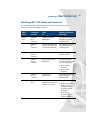
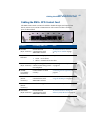
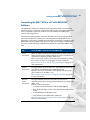
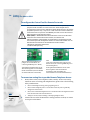
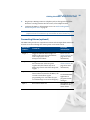
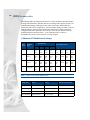
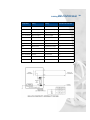
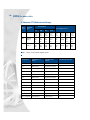
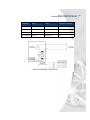
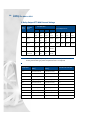
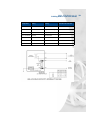
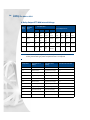
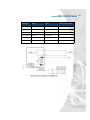
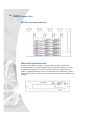
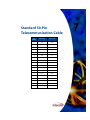
XMU+ ATIS Guide rev.04 Preparing to Cable the XMU+ ATIS Matching XMU+ ATIS Cables and Connectors Use the following table to match Control card and line card connectors to the appropriate cables and mating connectors. XMU+ Card... Connector on card... Used to... Requires connector and cable... Control Card MODEM RJ-11 connector Communicate with XMUCOM+. RJ-11 Mating Connector (telephone jack) and telephone cable. REMOTE RJ-11 connector Program messages from a remote location using a touch tone telephone. RJ-11 Mating Connector (telephone jack) and telephone cable. ALARM Alarm Connector Connect alarm circuitry. Alarm Mating Connector and ribbon cable. SERIAL-1 RS-232 connector Set up connection to XMUCOM+. RJ-45 to RJ-45 (6ft.) connector and cable and one of the following: RJ-45 to DB-25 converter. RJ-45 to DB-9 converter. SERIAL-2 RS-232 connector Perform future applications. RS-232 Mating Connector and RJ-45 to RJ-45 Ethernet cable. NETWORK RJ-45 Set up connections to XMUCOM+ software via an Ethernet network. One of the following: RJ-45 to RJ-45 (6ft.) Category 5 UTP network connector and cable for LAN connection. RJ-45 to RJ-45 crossover cable for (direct) connection. 15