1
DISCUS™ DRG A125G
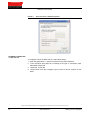
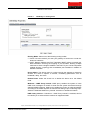
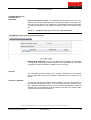
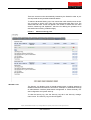
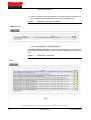
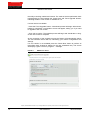
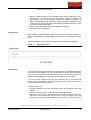
After three retries, the screen provides a link to manually set the Internet connection type. Click this link. The screen refreshes, displaying a connection type
combo box. To learn about manually configuring your Internet connection,
please refer to the Quick Setup Section of this manual.
SETUP INTERNET
CONNECTION
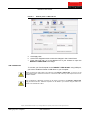
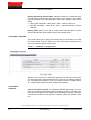
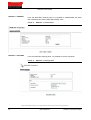
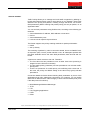
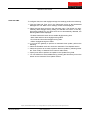
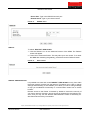
If your Internet connection requires login details provided by your Internet Service Provider (ISP) (e.g when using PPPoE).
Enter your user name and password and click Next.
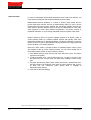
TEST SERVICE PROVIDER
CONNECTION
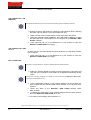
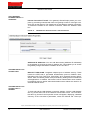
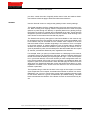
This step tests the connectivity to your ISP.
TEST INTERNET
CONNECTION
This step tests the connectivity to the Internet.
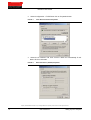
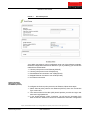
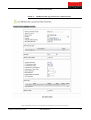
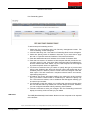
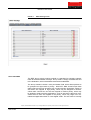
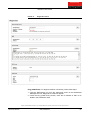
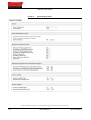
WIRELESS SETUP
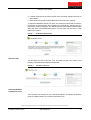
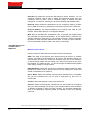
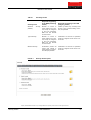
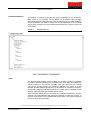
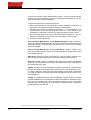
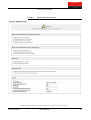
Use this step to configure a wireless network. Enter a name for your wireless
network (default value: DRG_A125G) and select its level of security (by leaving
the default value, no security is enabled1). Click Next.
FIGURE 3.
Wireless Setup Panel
1
It is highly recommended to protect your network from unauthorized users by selecting an encryption mechanism (WPA
is recommended)
© (2007) Pirelli Broadband Solutions S.p.A. All Rights Reserved. Proprietary Use Pursuant to Cover Page Instructions.
30
OGU 930500177
Installation Wizard Section