1
Auto Generate a Schedule and Games -1
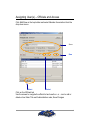
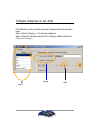
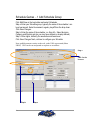
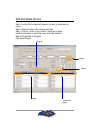
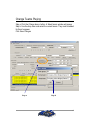
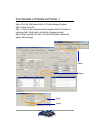
Step a: Click the Add Games button. A Confirm window will appear
Step b: Select Yes or No
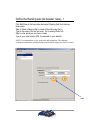
Step c: The first of two Add games window appears. Enter the Number of
games per team, Starting date, and Number of games per week
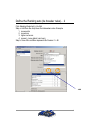
Step d: When complete, click Next. The second Add games window will
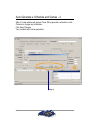
appear. See next page
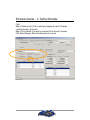
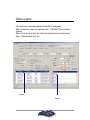
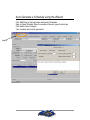
Next, continue to create your schedule
Step b
Step a
Step c
Step d
29