1
Input Selection
Input
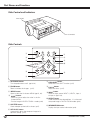
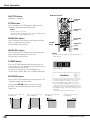
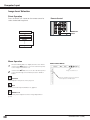
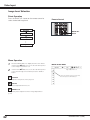
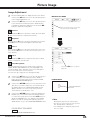
Side Control
Side Control button operation
INPUT button
INPUT 1
INPUT button
INPUT 2
INPUT 3
INPUT 4
Side Control Operation
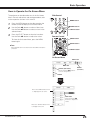
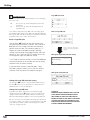
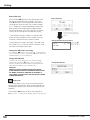
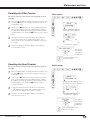
Press the INPUT button on the side control. It switches to
INPUT 1, INPUT 2, INPUT 3 and INPUT 4 as you press the
INPUT button.
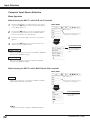
Before using the INPUT button on the side control, you
must select a correct input source by On-Screen Menu
and the latest input source will be displayed.
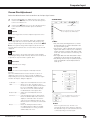
Remote Control
Remote Control button operation
INPUT buttons
Remote Control Operation
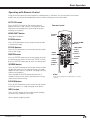
Press the INPUT 1, INPUT 2, INPUT 3 or INPUT 4 button
on the remote control. It switches to INPUT 1, INPUT 2,
INPUT 3 or INPUT 4 as you press the INPUT button.
Before using the INPUT button on the remote control, you
must select a correct input source by On-Screen Menu
and the latest input source will be displayed.
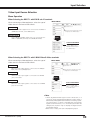
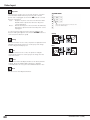
✔Note:
•Empty slots cannot be selected.
•When a slot is empty, the input is displayed in grayout.
LIT MAN USR LX900 and LW600
020-000053-02 Rev. 1 (06/08)
31





































![Network Set-up and Operation [LX505/LX605]](http://vs1.manualzilla.com/store/data/005961160_1-7c70f8cf6199dbe368f392203d85e61b-150x150.png)