1
Lotus Notes, Domino, and Domino Designer 5.0.13 Release Notes
Chapter 4 - Documentation updates
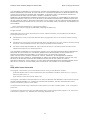
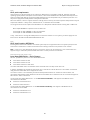
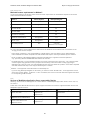
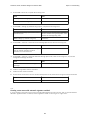
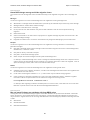
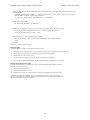
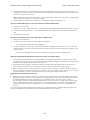
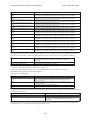
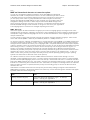
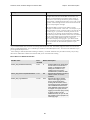
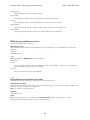
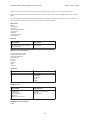
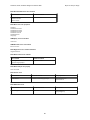
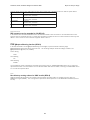
Parameters
type%
Integer. This parameter is restricted to PICKLIST_CUSTOM (3).
multipleSelection
Boolean. Optional. Specify True if you want to select multiple documents. Defaults to False.
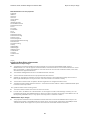
server$
String. Name of the server where the database resides.
databaseFileName$
String. The filename of the database that contains the view.
viewName$
String. Name of the view you want displayed in the dialog box.
title$
String. Title for the dialog box.
prompt$
String. The prompt that you want to appear inside the dialog box.
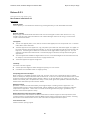
Singlecategory$
String. Optional. Displays the specified category in the view. The view should be categorized in order to use this
parameter.
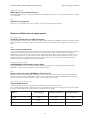
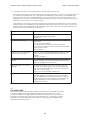
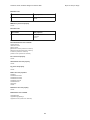
Return value
This method returns a NotesDocumentCollection object if you click OK. If you click Cancel the Count property is set to
0 and it returns an empty document.
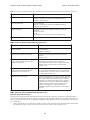
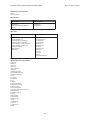
Programmer's Guide
Designer
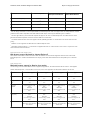
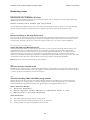
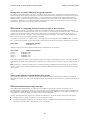
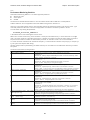
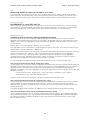
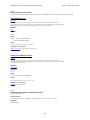
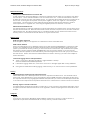
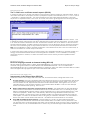
Accessing the current document in LotusScript classes
Corrected the link to NotesUIView.
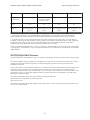
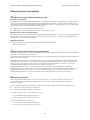
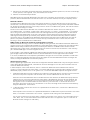
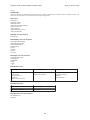
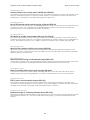
Accessing the current document in LotusScript classes
You can access the back-end document that is currently open through the NotesUIWorkspace and NotesUIDocument
classes. Using the NotesUIView class, you can access the back-end documents in the view with the Documents
property.
269