1
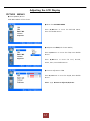
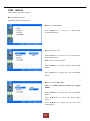
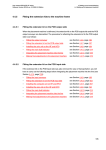
◆ Setup PC Control
Press ▲/▼Button to move up to the PC Control
Menu, Press ENTER Button.
Press ▲/▼Button to change each item, Press
ENTER Button, Press ◀/▶Button to adjust values.
If you want to auto adjust, just select Auto Adjust
and press enter.
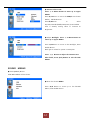
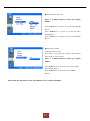
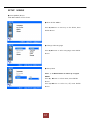
◆ SETUP
WXGA
Press ◁ or Menu Button to move up to upper
MENU.
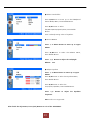
Press ▲/▼Button to select the WXGA Menu, Press
ENTER Button.
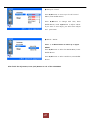
Press ▲/▼Button to select resolution, Press ENTER
Button.
After finish the adjustment, Press [Exit] Button to exit of the OSD MENU.
20