1
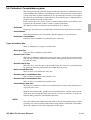
Application System
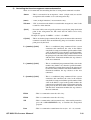
Note:
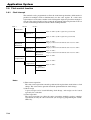
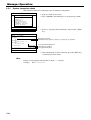
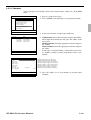
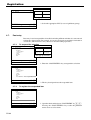
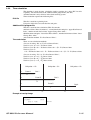
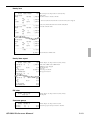
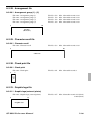
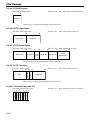
• Set a “%GET” command, first, to use the number entered by the arrangement key later.
• When the “%GET” is programmed following constant number input, the constant
number is saved to the parameter save buffer.
• Numbers input using a “%PUT” command or by “([number])” are entered to the
number entry buffer in the same way as numbers input using the 10-key pad.
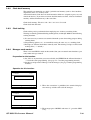
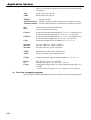
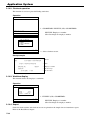
2)
Key function specification
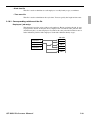
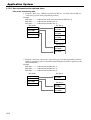
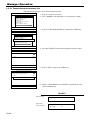
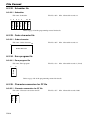
Any function key can be specified for an arrangement key function. :
[function code]:[record number] → Used for ordinary function keys
The numbers can be specified for zero suppression.
Note:
The arrangement key itself, cannot be programmed for in an arrangement program.
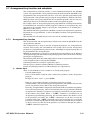
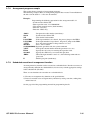
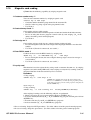
3)
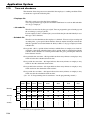
Mode setting
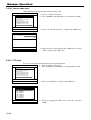
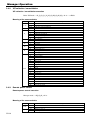
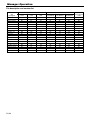
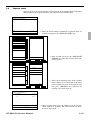
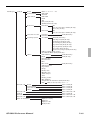
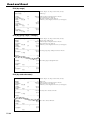
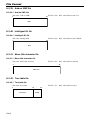
Any mode key can be specified for an arrangement key function. :
[function code]:[mode definition]→ Used for mode keys
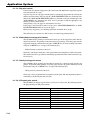
Note:
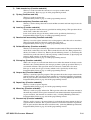
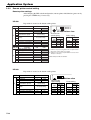
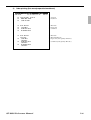
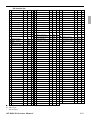
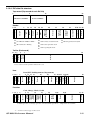
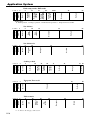
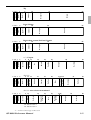
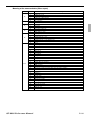
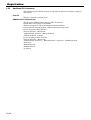
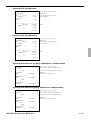
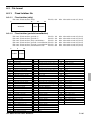
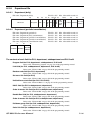
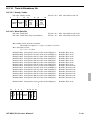
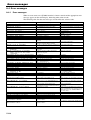
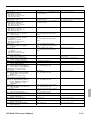
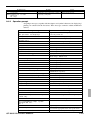
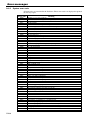
121:01
121:02
121:03
122:01
122:02
122:03
122:04
122:05
123:01
123:02
123:03
123:04
123:05
123:06
4)
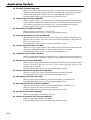
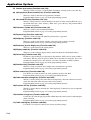
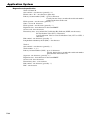
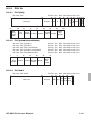
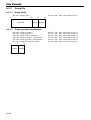
REG mode
REF mode
REG– mode
X/Z mode:
MGR mode:
Collection/Consolidation mode:
Auto-program mode:
CF card:
PGM1 mode:
PGM2 mode:
PGM3 mode:
PGM4 mode:
PGM5 mode:
PGM6 mode:
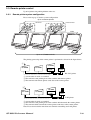
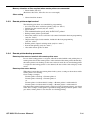
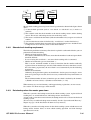
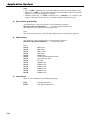
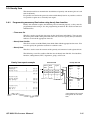
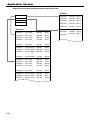
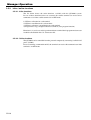
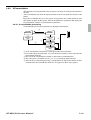
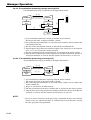
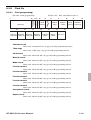
Print control
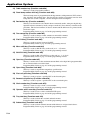
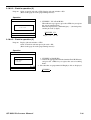
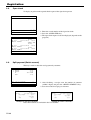
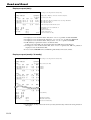
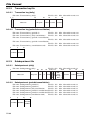
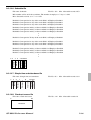
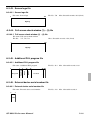
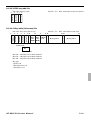
There are two commands for controlling the printer:
PON
POFF
R-52
:
:
:
:
:
:
:
:
:
:
:
:
:
:
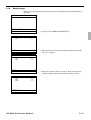
: Output printout data.
: Not output printout data.