1
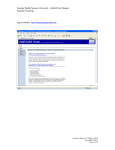
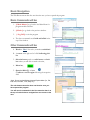
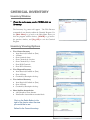
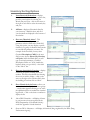
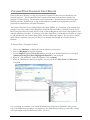
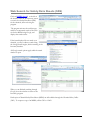
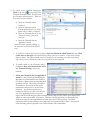
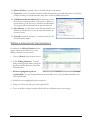
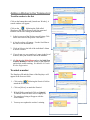
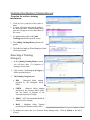
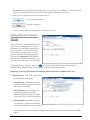
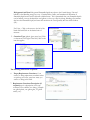
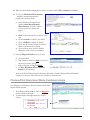
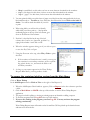
WASTE PICKUP Introduction All Hazardous Chemical Waste must be submitted for pickup and disposal through the Chemical Inventory Database. All hazardous waste containers shall be labeled with the labels produced in the Waste Pickup module of the Chemical Inventory Database. The main menu allows controlled access to MCG’s EH&S Web Applications. We will now look at the Waste Pickup portion of the Chemical Web Application. The Waste Pickup module allows the P.I. access to edit or delete existing waste pickup requests or enter a new waste pickup request. From the main menu, under CHEM click on Waste Pickup Submitting a Request for Chemical Waste Pickup 1. Click on +Add Request+ to add a request for pickup chemical waste. 2. The P.I. code and name are inserted automatically. Request # [P070201013] is generated by the program, do not change this information. 3. Request Date: The Current date is inserted 4. Lab/Location: Click on [?] for a list of your labs. Click on [Select] to choose your lab. 5. Contact click on [?] to insert the name of the lab contact, or type in the name 6. Contact’s Phone type in the number. 36

















![У]о:(mЧєь{Сr˙„~®M −Ї‹ОЄ* hˇОˆt](http://vs1.manualzilla.com/store/data/006000975_1-aa867c7069e2492e9edc151c99229eb0-150x150.png)