1
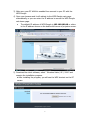
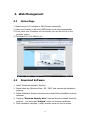
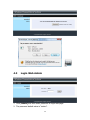
3) Make sure your PC WLAN is enabled then connect to your PC with the WPS-Dongle. 4) Open your browser and it will redirect to the WPS-Dongle main page automatically, or you can enter the IP address to access the WPS-Dongle web home page. The default IP address of WPS-Dongle is 192.168.100.10 or refers to the IP address shown on the bottom left corner of projector screen. 5) Download the client software, select “ Windows Vista / XP / 2000” and execute the installation program. ♦ After installing the program, you will see the WPS shortcut on the PC screen. 5