1
NMS OAM System User's Manual
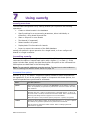
Other utilities
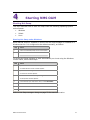
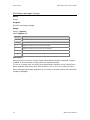
Digital trunk status: trunkmon
Name
trunkmon
Purpose
Displays the status of digital trunks.
Usage
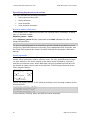
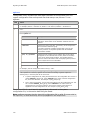
trunkmon [ options ]
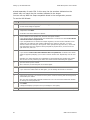
where options are:
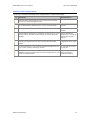
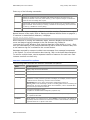
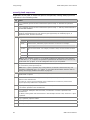
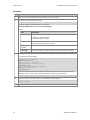
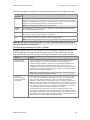
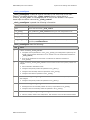
Option
Description
-b board
Specifies the board to monitor. Default = 0.
-s
Enables beep when trunk alarm state changes. Default = no beep.
-?
Displays the trunkmon Help screen and terminates.
-l mode
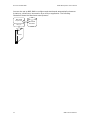
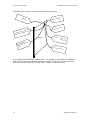
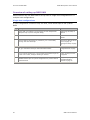
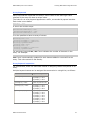
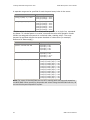
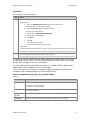
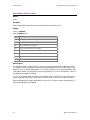
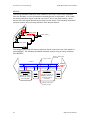
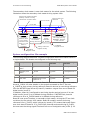
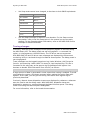
Sets the framer loopback mode. Available mode entries include:
0=
1=
2=
The
No loopback - normal mode
Line loopback
Backplane loopback
loopback option works only on CG boards and AG 4040 boards.
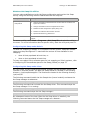
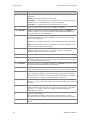
-t trunknumb
Specifies the trunk number. The trunk number is a zero-based index associated with
the board by NMS OAM. If no trunk number is specified, trunkmon defaults to trunk 0.
-@ host
Displays the status of trunks on resource host host. If unspecified, it is assumed that
the trunks are on the host on which trunkmon was initialized.
-q
For diagnostic purposes only. Queries framer loopback mode and displays the output
in oammon.
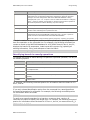
Description
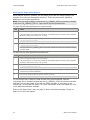
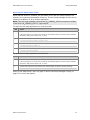
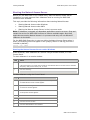
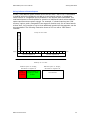
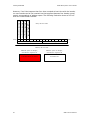
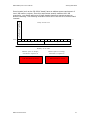
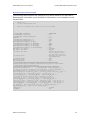
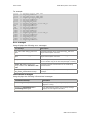
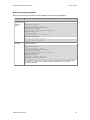
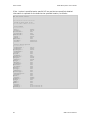
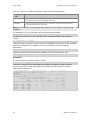
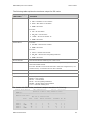
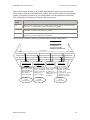
trunkmon displays the status of all trunks connected to the specified board.
trunkmon continuously monitors the status of the trunks and updates the display if
the data changes. If the -s option is specified, trunkmon beeps when an alarm
transition occurs.
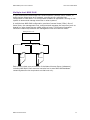
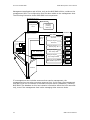
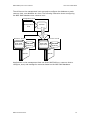
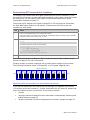
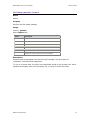
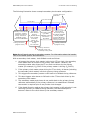
Framer loopback diagnostic options
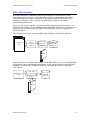
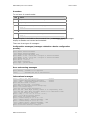
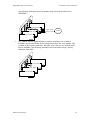
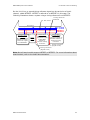
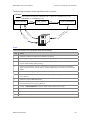
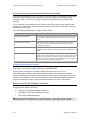
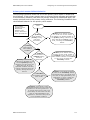
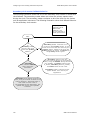
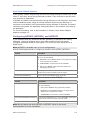
Use the -l and -t loopback options for diagnostic purposes on CG and AG boards with
DS1 interfaces. The loopback options verify whether the board's DS1 configuration
matches the configuration of its incoming lines.
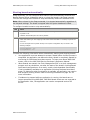
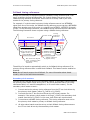
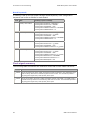
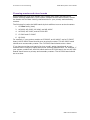
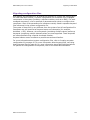
Caution:
trunkmon loopback options are intended for diagnostic purposes only. AG and CG boards
cannot process data appropriately when either loopback mode is in use. In addition, the NMS
compliance certificates obtained for the CG or AG board do not apply when loopback is in
use.
NMS Communications
83