1
Chapter 4. CPU module
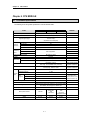
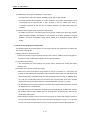
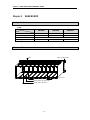
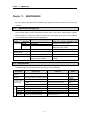
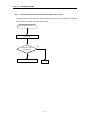
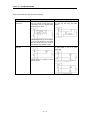
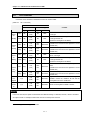
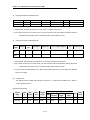
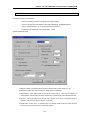
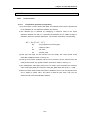
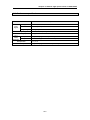
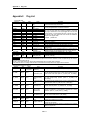
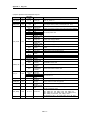
3) Debug operation conditions
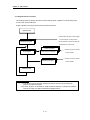
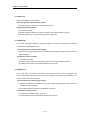
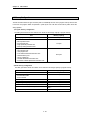
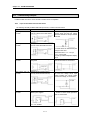
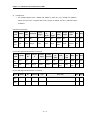
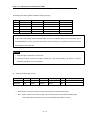
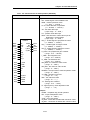
• Two or more of the following four operation conditions can be simultaneously specified.
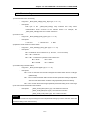
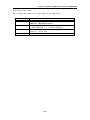
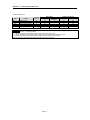
Operation conditions
Description
Executed by the one
operation unit, (step over)
Executed to the specified
breakpoint.
If an operation command is ordered, the system operates one operation unit
and stops.
• If break step is specified in the program, the operation stops at those step
before execution.
• Up to 8 breakpoints can be specified.
If the contact area to be watched and the condition (Read, Write, Value)
where the operation has to stop are specified, the operation stops when the
specified operation occurs at the specified contact.(after execution)
If the number of scan that will be operated is specified, the operation stops
after it has operated by the specified scan number.
Executed according to
the contact state
Executed by the specified
scan number.
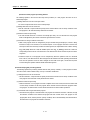
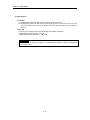
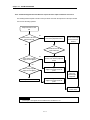
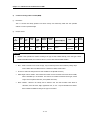
4) Operation method
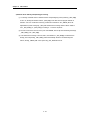
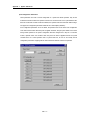
(1) Execute the operation after the debug operation conditions have been set in the GMWIN.
(2) In task programs, each task can be specified to operation enable/disable.(For detailed operation
method, refer to the GMWIN User’s Manual Chapter 9.
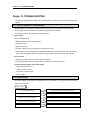
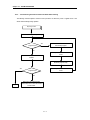
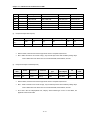
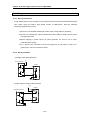
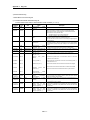
4.4.5 Operation mode change
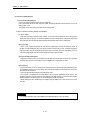
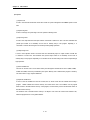
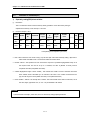
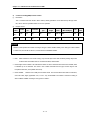
1) Operation mode change methods
The following method are used to change the operation mode.
(1) Change by the mode setting switch of CPU module.
(2) Change by the GMWIN connected with the CPU module communications port.
(3) Change by the GMWIN connected to the remote CPU module through Fnet.
(4) Change by the user’s command using FAM or computer link module, etc.
(5) Change by the ‘STOP function’, ‘ESTOP function’ during program execution.
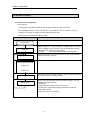
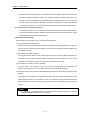
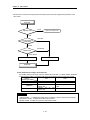
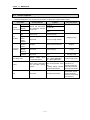
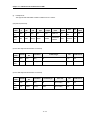
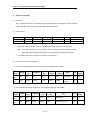
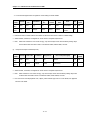
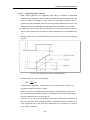
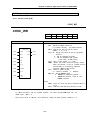
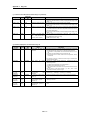
2) Operation mode change by the mode setting switch of CPU module
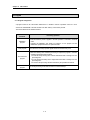
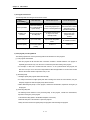
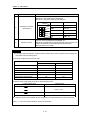
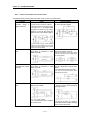
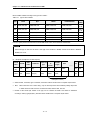
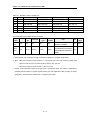
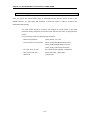
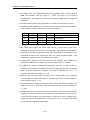
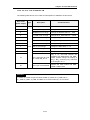
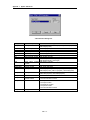
The following shows the operation mode change by the mode setting switch of CPU module.
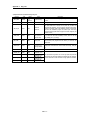
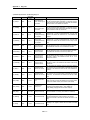
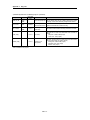
Mode setting switch position
RUN
STOP
STOP → PAU/REM
PAU/REM → RUN
RUN → PAU/REM
PAU/REM → STOP
Operation mode
Local RUN
Local STOP
Remote STOP
Local RUN
Local PAUSE / Remote RUN
Local STOP
1)
2)
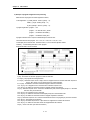
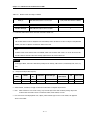
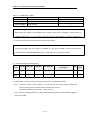
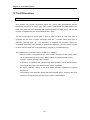
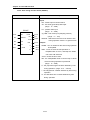
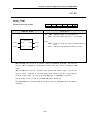
REMARK
1) If the operation mode changes from RUN mode to local RUN mode by the mode setting switch, the
PLC operates continuously without stop.
2) If Local PAUSE disable(or Local PAUSE enable) is set by parameter in GMWIN, it operated as
Remote RUN(or Local PAUSE).
4 - 26