1
4.5
Application Development Procedure
Introduction
ADAM-6501 provides the Software Development Kit (SDK) and the built-in runtime library; you can use your
existing windows-based programming skills to develop applications easily and rapidly through those tools. This
document introduces how to develop custom application step by step.
Application development Procedure
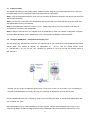
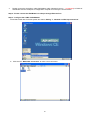
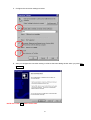
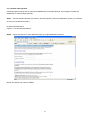
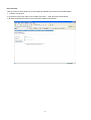
2. Install Microsoft eMbedded Visual C++ V4.00 with Service Pack 2
The Microsoft eMbedded Visual C++ tool is a desktop development environment for creating applications and
system components for Windows CE .NET-powered devices. This version features new capabilities such as
C++ exception handling, Run Time Type Information (RTTI), and a plethora of new debugger functionalities.
Before you begin to develop your application, you must install Microsoft eMbedded Visual C++ first.
3. Insert ADAM-6501 CD into the CD-ROM in the host PC.
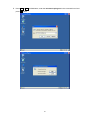
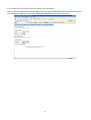
4. Install ADAM-6501 Software Development Kit for eMbedded Visual C++ from below path:
\Windows CE.NET V4.2\SDK\ADAM6501_SDK_V1.00.msi
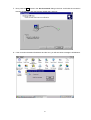
5. Install Microsoft ActiveSync 3.6 from below path:
\Windows CE.NET V4.2\Utility\Microsoft ActiveSync 3.6.exe
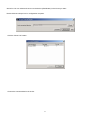
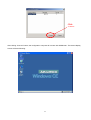
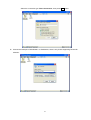
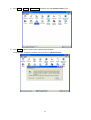
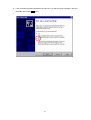
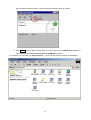
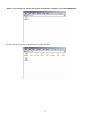
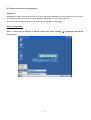
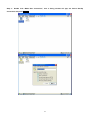
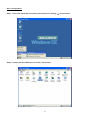
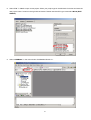
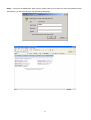
6. Build the connection between the host and ADAM-6501 via ActiveSync. Further information about ActiveSync,
please refer to “ActiveSync Connection”.
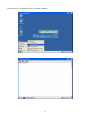
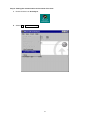
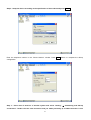
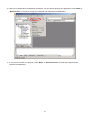
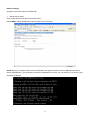
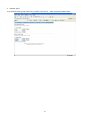
7. Execute eMbedded Visual C++.
44