1
2.0 Installation
2.1 Installation
The complete ITTS program comes
on three CD-ROMs, one for each
TABE level. You can purchase all
three levels or a single level, but
each CD must be installed
independently.
To install
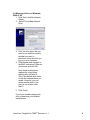
1. Insert an ITTS CD into your CDROM drive.
2.
The installer will automatically
launch. If you have “auto-run”
disabled, click on My Computer.
Then double-click on the CDROM drive. From the CD
contents, double-click the setup
icon.
3.
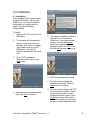
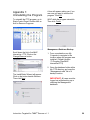
On the ITTS installation
welcome screen, click on the
Next button.
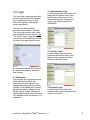
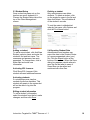
5. The default installation location is
displayed in the Destination
Folder box. If you want another
location, click on the Browse
button and navigate to the
desired location. Click OK. Then
click the Next button to continue.
6. WAIT for the program to install.
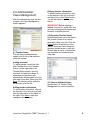
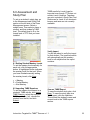
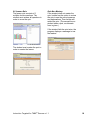
7. The next screen displays the
program file location. Click the
Next button to continue.
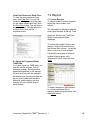
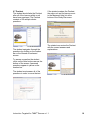
4. Read the license agreement and
then click Yes to continue.
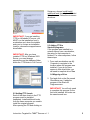
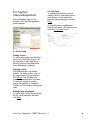
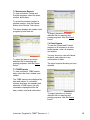
8. The next screen displays all ITTS
levels currently installed. These
are the lesson levels to which
students will have access. Click
Finish when done. See section
2.2 of this manual for instructions
on how to install additional levels.
Instruction Targeted for TABE® Success v 1.1
4