1
R-net - Operation
PG Drives Technology
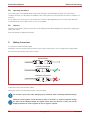
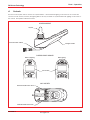
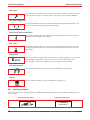
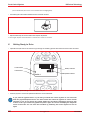
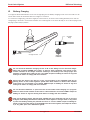
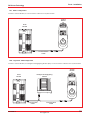
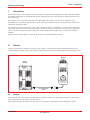
If you do not push the joystick as you switch the wheelchair on and the diagnostic screen is displayed, as in the following
diagram, then the R-net has detected a problem somewhere in the wheelchair’s electrical system.
Identified Module
Trip Text
PM
Module Error
7
Tips for Using Your Control System
7.1
Driving - General
Trip Code
0506
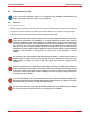
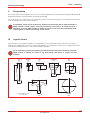
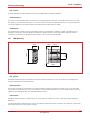
Make sure that the control system is mounted securely and that the joystick position is correct. The hand or limb you use to
operate the joystick should be supported, for example by the wheelchair arm pad. Do not use the joystick as the sole
support for your hand or limb - wheelchair movements and bumps could upset your control.
7.2
Driving Technique
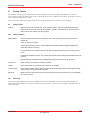
The control system interprets your joystick movements and produces appropriate movements of your wheelchair. You will
need very little concentration to control the wheelchair, which is especially useful if you are inexperienced. One popular
technique is to simply point the joystick in the direction you want to go. The wheelchair will “home-in” on the direction you
push the joystick.
The further you push the joystick away from the rest position, the faster the wheelchair will go. Releasing the joystick will stop
the wheelchair.
The intelligent speed control system minimizes the effects of slopes and different types of terrain.
The wheelchair user must be capable of driving a wheelchair safely. PGDT accepts no liability
for losses of any kind arising from failure to comply with this condition.
7.3
Slow or sluggish movement
If the wheelchair does not travel at full speed or does not respond quickly enough, and the battery condition is good,
check the maximum speed setting. If adjusting the speed setting does not remedy the problem then there may be a nonhazardous fault. Contact your service agent.
SK77981-3
www.pgdt.com
23