1
120
MADRIX 3 PLEXUS User Manual / Handbuch
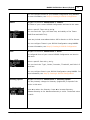
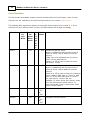
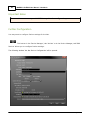
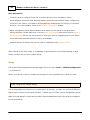
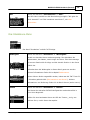
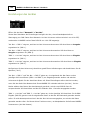
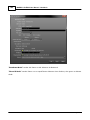
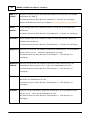
'Art-Net -> DMX
defines which Art-Net universe is assigned to the first XLR port for output
1'
(DMX 1).
On the device, use the menu 'Network' > 'Art-Net'.
More information is provided in the chapter Art-Net (Output).
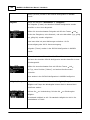
'Art-Net -> DMX
defines which Art-Net universe is assigned to the second XLR port for output
2'
(DMX 2).
On the device, use the menu 'Network' > 'Art-Net'.
More information is provided in the chapter Art-Net (Output).
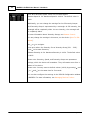
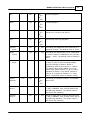
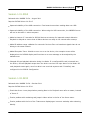
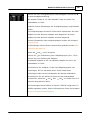
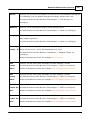
'DMX 1 ->
defines which Art-Net universe is assigned to the first XLR port for input
Art-Net'
(DMX 1).
On the device, use the menu 'Network' > 'Art-Net'.
More information is provided in the chapter Art-Net Remote (Input).
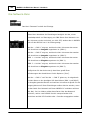
'DMX 2 ->
defines which Art-Net universe is assigned to the second XLR port for input
Art-Net'
(DMX 2).
On the device, use the menu 'Network' > 'Art-Net'.
More information is provided in the chapter Art-Net Remote (Input).
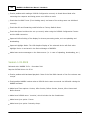
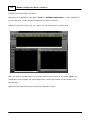
'Serial Number'
cannot be edited. It shows the serial number of the device.
On the device, check the menu 'Information' > 'Version'.
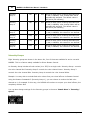
'Firmware'
cannot be edited. It shows the current firmware version of the device.
On the device, check the menu 'Information' > 'Version'.
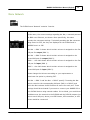
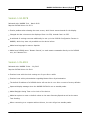
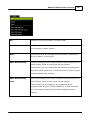
'Brightness'
defines how bright the display is, when it is used. Applicable values are: 10 100%. The default value is 100%.
On the device, use the menu 'Settings' > 'Display'.
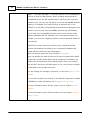
'Brightness
defines how bright the display is, when it gets dimmed. Applicable values
Dimmed'
are: 0 - 100%. The default value is 10%.
On the device, use the menu 'Settings' > 'Display'.
© 2015 inoage GmbH