1
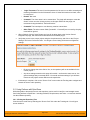
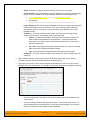
most likely that the VssProvider.dll or some of its dependent assemblies were not correctly
placed in the VersionControl folder of the SpiraTeam installation.
•
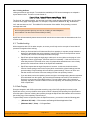
SpiraTeam reports that the login information is incorrect. In this case, double check the
Version Control settings, both for the Project (which overrides the general settings) and the
general settings. Project settings will over-ride the general settings. Be sure to use a user
that has access to all nodes in the tree starting from the root repository location.
•
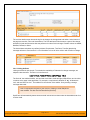
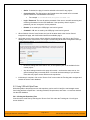
If you are taken back to the repository screen and given a message saying that the requested
file was deleted from the system, this means that an attempt was made to view details on a
file that was deleted or destroyed in VSS. This is a normal condition in the code repository,
not necessarily an error with VSS or SpiraTeam.
•
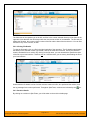
If you have the VSS database located on a remote file-share on a separate server to
SpiraTeam, you will need to modify the identify used by the IIS Application Pool running
SpiraTeam. By default the IIS Application Pool will run as the special Windows user
“NETWORK SERVICE”. Whilst this is a secure account with low privileges for normal use of
the system, it may not have sufficient permissions to access the VSS repository over your
Local Area Network (LAN). We recommend changing the IIS Application Pool to instead run
as a Windows Domain user that has permissions to access the remote file-share containing
the VSS database.
© Copyright 2006-2014, Inflectra Corporation
Page 22 of 3
This document contains Inflectra proprietary information