1
7.
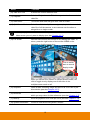
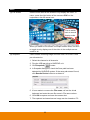
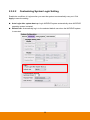
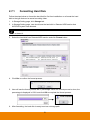
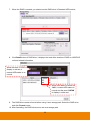
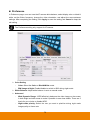
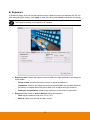
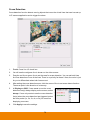
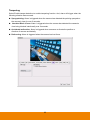
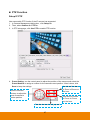
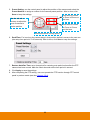
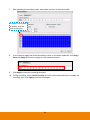
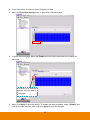
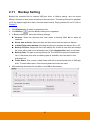
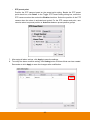
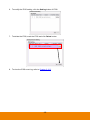
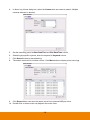
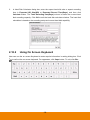
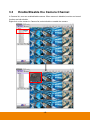
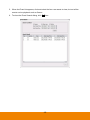
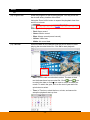
After selecting the recording mode, select date and time on date time table.
To select or un-select
all blocks, click the
area in red circle.
8.
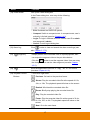
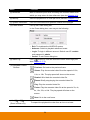
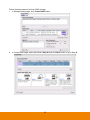
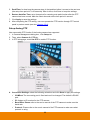
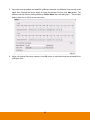
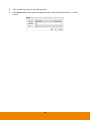
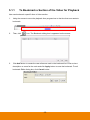
If user wants to apply this record schedule to other or all camera channels, uses Copy
from and Apply to function to apply to other camera channel.
9.
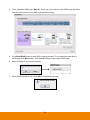
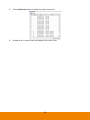
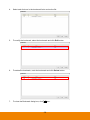
Click Apply to save the recording schedule.
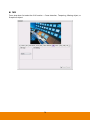
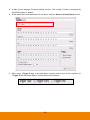
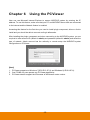
10. To stop recording, select “No Recording” and click on the date and week to disable the
recording; then, click Apply to save the changes.
94