1
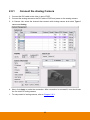
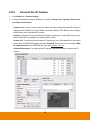
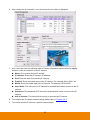
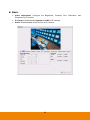
Chapter 2 2.1 Main System Configuration Getting Started 1. Connect the power cable and mouse to NVR/DVR unit. 2. Power on the NVR/DVR unit and wait for system start up processing to complete. 3. For security purpose, the NVR/DVR system would require user to enter User ID and Password before it can be accessed. (If this is the first time, enter the default ID [admin] and password [admin]). 4. After login successful, the preview UI is displayed. 5. Next, setup the following settings in order to start monitoring. Setup System Date and Time: Setup the date and time in order to have corrected recording time and date. Please refer to Chapter 2.5.1. 9