1
COMPUTER
COMPUTER
5.11.9
05
LOADS COUNTER
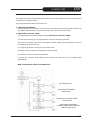
The value of the LOADS COUNTER indicates the total number of washings carried out from the machine
starting from its installation.
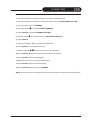
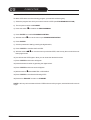
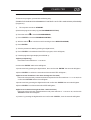
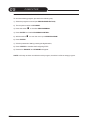
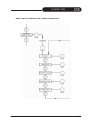
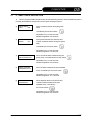
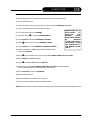
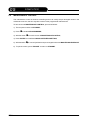
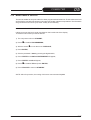
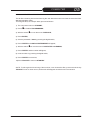
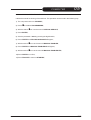
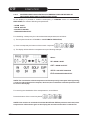
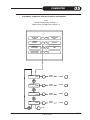
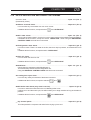
To arrange the LOADS COUNTER value, proceed as follows:
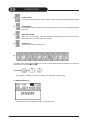
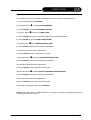
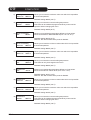
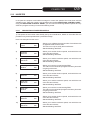
1) The computer must be on STANDBY;
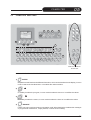
2) Press Ê to visualize PROGRAMMING;
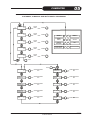
3) With the switch Ê run over the menu till SPECIAL SERVICE;
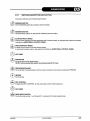
4) Press “ENTER” ;
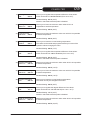
5) Give the password n° 2079 by pressing the digital switch;
6) Press “ENTER” and ITALIAN LANGUAGE will appear;
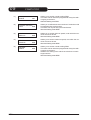
7) With the switch Ê run over the menu till LOADS COUNTER;
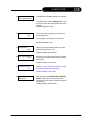
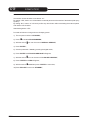
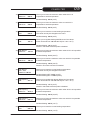
8) Press “ENTER” and the value will lighten.
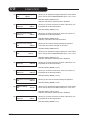
9) Insert the new value by pressing the digital switch;
10)Press “ENTER” to confirm;
11)Press “ESCAPE” to return on STANDBY;
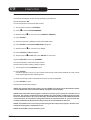
NOTE: Such modification has to be carried out only from an authorized technician from the distributor
or manufacturer.
03-2007
HYDROCARBON
5-61