1
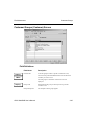
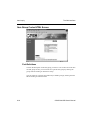
OSAS Graphical
Introduction
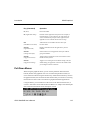
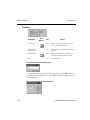
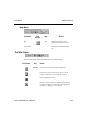
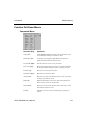
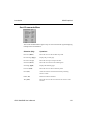
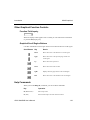
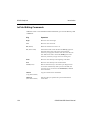
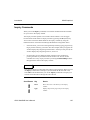
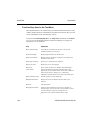
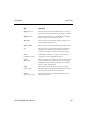
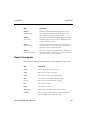
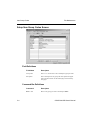
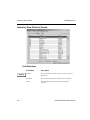
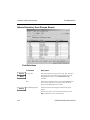
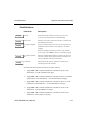
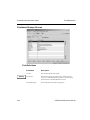
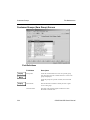
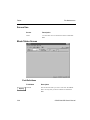
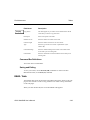
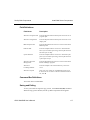
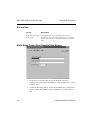
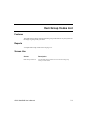
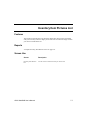
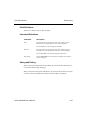
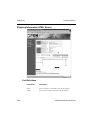
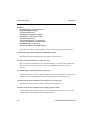
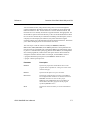
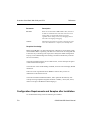
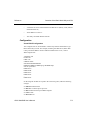
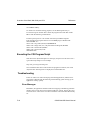
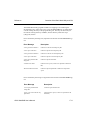
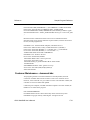
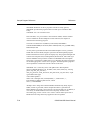
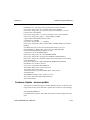
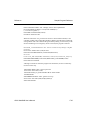
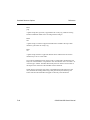
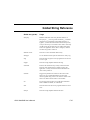
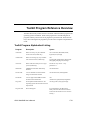
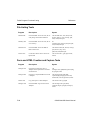
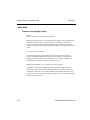
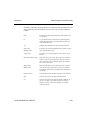
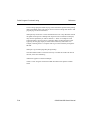
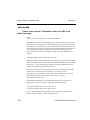
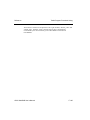
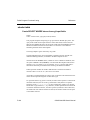
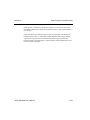
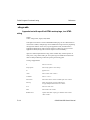
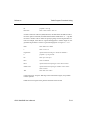
Function Tool Bar Buttons
Tool Button
Key
Result
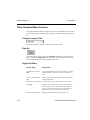
F6
Go directly to the appropriate File Maintenance function to
update information about the field you are in.
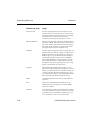
F3
Delete the information on the screen. Since this command
can delete an entire record, use it with caution.
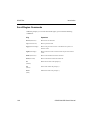
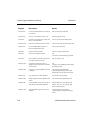
PgUp
Move the cursor back to the first field on the screen or to
the first field after the key field without erasing the entries
or changes you made.
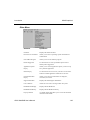
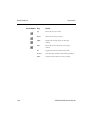
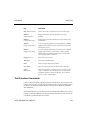
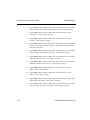
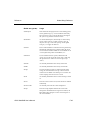
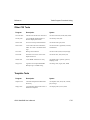
Shift-F9
Copy the contents of the current field.
Shift-F10
Paste the contents you copied from a previous field into
the current field.
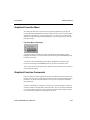
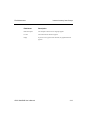
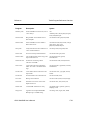
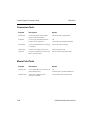
Displays the calculator screen.
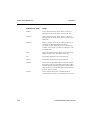
Displays the pop-up calendar screen. You can use the
calendar to add and review reminders for any date.
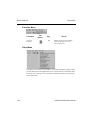
F1
Displays information about the field you are in.
Displays the on-line documentation.
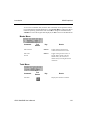
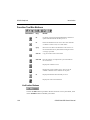
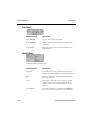
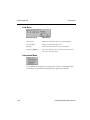
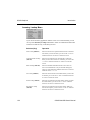
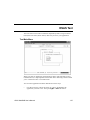
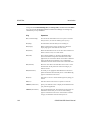
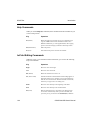
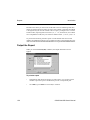
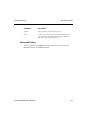
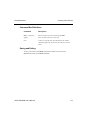
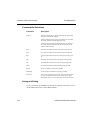
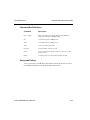
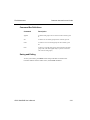
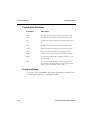
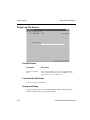
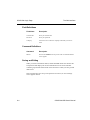
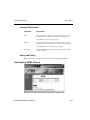
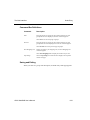
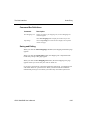
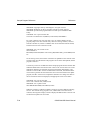
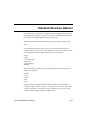
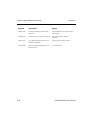
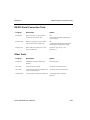
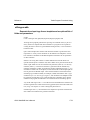
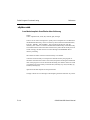
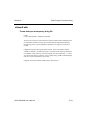
Verification Buttons
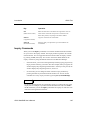
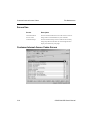
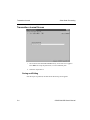
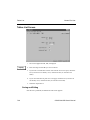
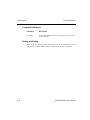
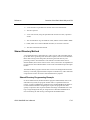
Click on the OK button to proceed to the next screen or to save your entries, click
on the Abandon button to abandon your entries.
1-26
OSAS Web B2B User’s Manual