1
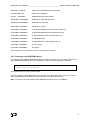
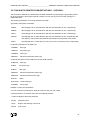
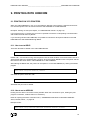
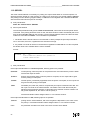
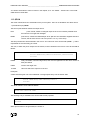
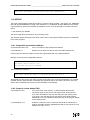
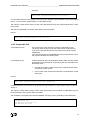
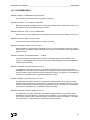
DEFINING PCS WITH HOBLINK 3270 -Y-PROTOCOL -___________________HOBCOM under VM/CMS
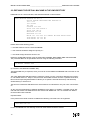
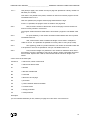
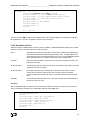
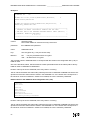
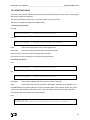
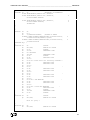
Examples:
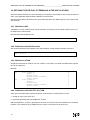
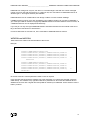
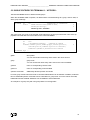
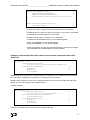
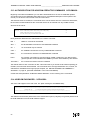
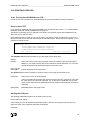
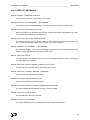
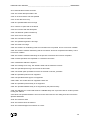
XCPERSTA DS
0F
*
XCPERS NO=111111,TYPE=P,NAME=GUEST,PW=GUEST,
X
ENKEY=GUEST,ENFULL=NO
*
XCPERS NO=nnnnnn,TYPE=P,NAME=name,PW=password,
X
ENKEY=key,ENFULL=NO/YES
*
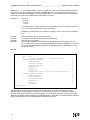
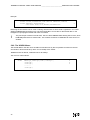
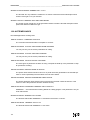
**********************************************************
* INSTEAD OF ENKEY OPTIONALLY ENKEYH CAN BE USED
*
* THE KEY HAS TO BE ENTERED HEXADECIMALLY THEN (EBCDIC) *
* EXAMPLE: ENKEYH=C7E4C5E2E3
*
*
G U E S T
*
**********************************************************
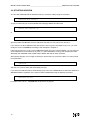
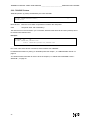
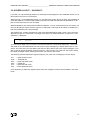
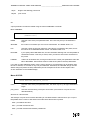
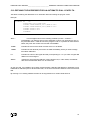
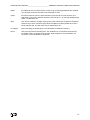
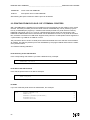
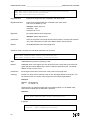
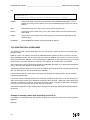
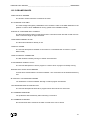
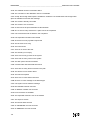
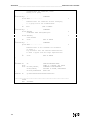
nnnnnn=
personal number
The number 000000 is reserved and may not be used.
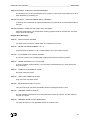
password =
the HOBCOM user password
name=
HOBCOM user ID
key=
The encryption key, it may be chosen freely.
ENFULL=
NO
= only the passwords will be encrypted.
YES = all data will be encrypted.
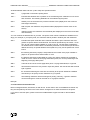
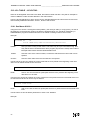
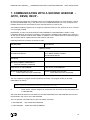
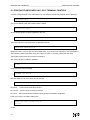
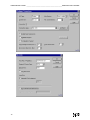
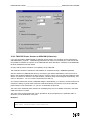
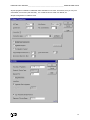
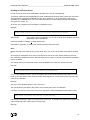
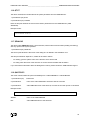
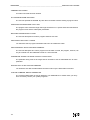
The personal entries in HOBCOM have to correspond with the entries in the configuration files (*.hlk) of
HOBLink 3270.
One of the hlk-values, Name, HobcomUserId or PersNo (see default value of the hlk file) will be sent by
HOBLink 3270 to HOBCOM for identification.
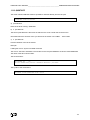
PersNo= will only be sent to HOBCOM, if the entry Name= is missing.
The hlk values Password and HobcomKey will always be sent to HOBCOM. HOBCOM checks the corespondance of the sent values with the entries in the HOBCOM TCT. If the entries don’t correspond or if
the maximum numbers of allowed Y sessions is exceeded, the user is refused by HOBCOM.
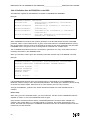
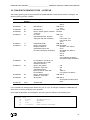
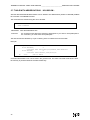
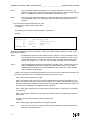
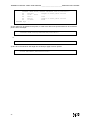
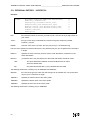
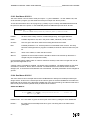
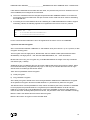
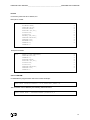
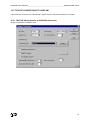
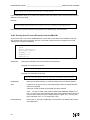
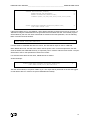
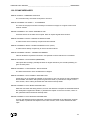
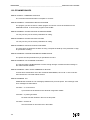
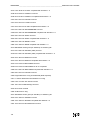
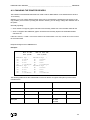
Default values in the HOBLink 3270 configuration file (*.hlk)
[Session]
Hobcom=Yes
[Hobcom]
Name=GUEST
Password=GUEST
PersNo=111111
HobcomPrinterDriver=20
HobcomEncryptionKey=C7E4C5E2E3
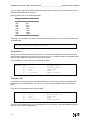
PersNo= will only be sent to HOBCOM, if the entry Name= is missing.
The hlk values Password and HobcomKey will always be sent to HOBCOM. HOBCOM checks the corespondance of the sent values with the entries in the HOBCOM TCT. If the entries don’t correspond or if
the maximum numbers of allowed Y sessions is exceeded, the user is refused by HOBCOM.
62